
Claude Integration
Manage your tasks through natural conversation with Claude, Anthropic's AI assistant.
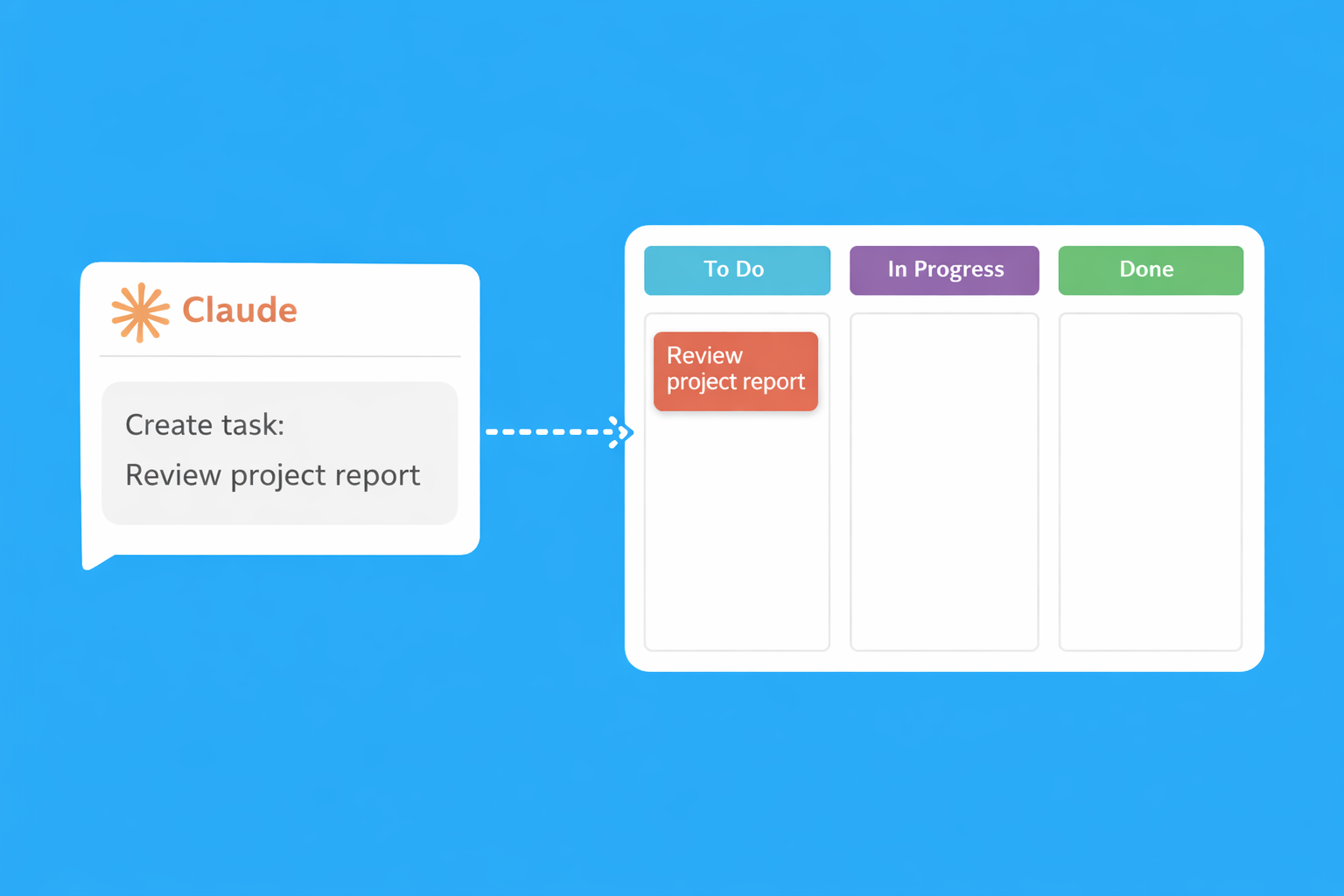
What You Can Do
Talk to Claude naturally to manage your entire workflow
Create Tasks
"Create a task on Marketing board called 'Review Q1 results' with high priority"
Track Time
"Start a timer on the website redesign task" or "How much time did I spend on client work this week?"
Move Tasks
"Move the homepage task to Done" or "What tasks are In Progress on the Dev board?"
Add Comments
"Add a comment to the API task: 'Waiting on client feedback'"
Assign Tasks
"Assign the bug fix to Sarah" or "What tasks are assigned to me?"
Generate Reports
"Show me a time report for this month" or "How many tasks did we complete last week?"
Quick Setup
Connect Task Board to Claude in under a minute
Option 1: Claude Code (CLI)
Run this command in your terminal:
claude mcp add --transport http taskboard https://task-board.app/api/mcp/rpc
Option 2: Claude Desktop
Add this to your config file:
{
  "mcpServers": {
    "taskboard": {
      "command": "npx",
      "args": ["-y", "mcp-remote",
        "https://task-board.app/api/mcp/rpc"]
    }
  }
}
Config location: ~/.config/claude/claude_desktop_config.json
What is MCP?
The Model Context Protocol (MCP) is an open standard that lets AI assistants like Claude connect to external tools and services. It's how Claude can read and write to your Task Board securely, using your account permissions.
Frequently Asked Questions
Common questions about the Claude integration
What is the Model Context Protocol (MCP)?
MCP is an open standard developed by Anthropic that allows AI assistants like Claude to securely connect to external services. It lets Claude read and write data in Task Board using your account permissions, without you having to copy-paste information back and forth. Think of it as giving Claude permission to use Task Board on your behalf.
Does Claude have access to all my boards?
Claude accesses Task Board using your account credentials, so it can see the same boards you can see. If you have multiple boards and only want Claude to work with specific ones, simply tell Claude which board to use in your conversation. Claude respects your account permissions and can only access what you have access to.
Is my data shared with Anthropic?
Task Board data accessed through MCP is used only to fulfil your requests within the conversation. Anthropic's standard privacy policies apply to the conversation content. We don't send your Task Board data to Anthropic separately, as the connection happens directly between Claude and our API during your session.
Do I need Claude Pro to use this integration?
The integration works with Claude Code (CLI) and Claude Desktop. Claude Code is available with a Claude Pro or Teams subscription. Claude Desktop is a separate application. Check Anthropic's current offerings for the latest on what's required to use MCP-enabled integrations.
Can Claude track time for me automatically?
Claude can start and stop timers on your behalf when you ask. For example, you can say "Start a timer on the homepage task" and Claude will start tracking. When you're done, say "Stop the timer" and Claude will log the time. Claude cannot automatically detect when you're working without you telling it.
What if Claude makes a mistake?
Like any tool, Claude can occasionally misunderstand requests. If Claude creates a task incorrectly or on the wrong board, you can ask Claude to fix it, or simply edit it yourself in Task Board. All actions Claude takes are reversible, nothing is permanently deleted without your explicit confirmation.
Ready to Get Started?
Create your free Task Board account, then connect Claude. Explore all Task Board features or check out our ChatGPT integration.
Start Free View All Integrations