
ChatGPT Integration
Use the Task Board Assistant GPT to manage tasks without leaving ChatGPT.
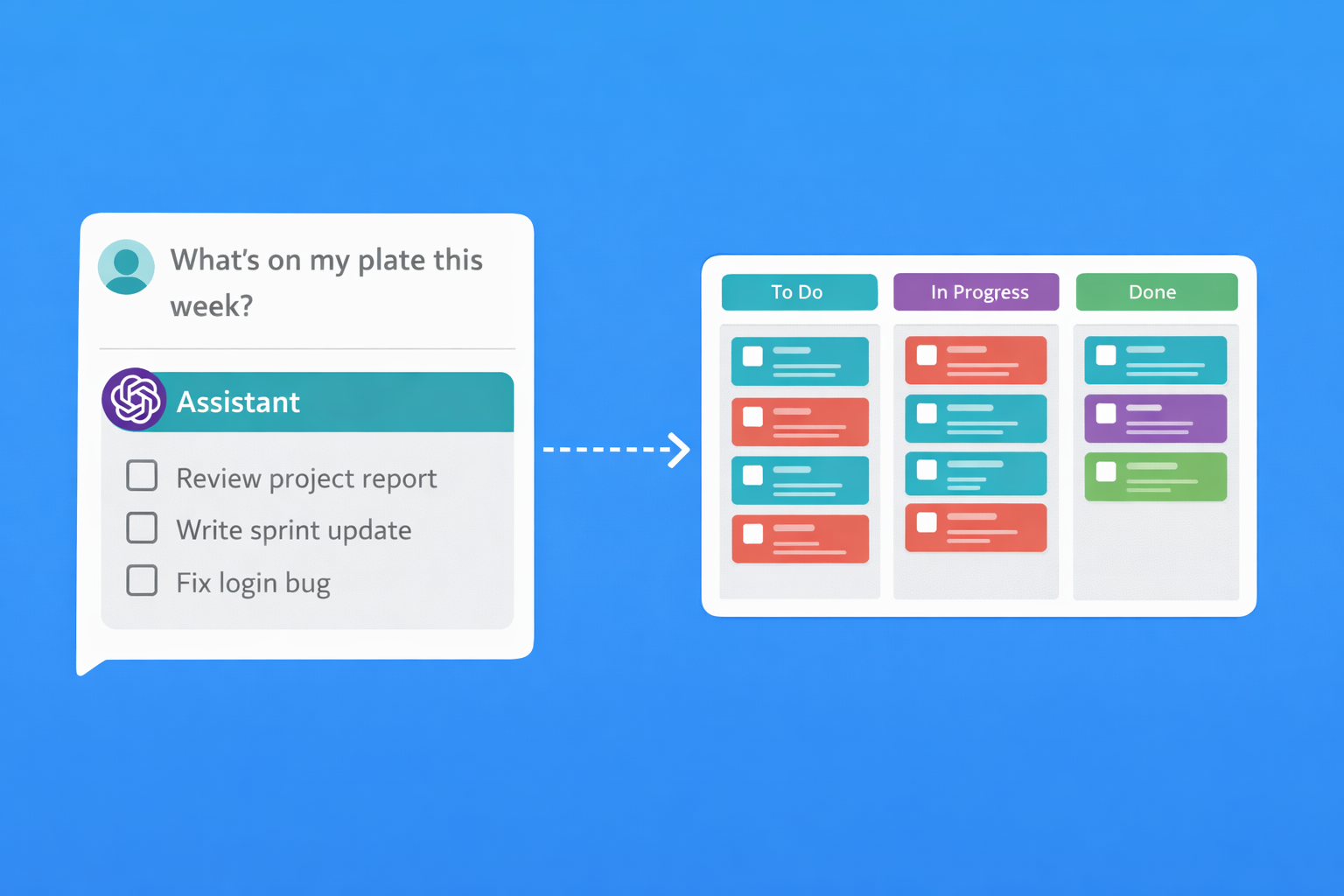
How It Works
Get started in three simple steps
Open the GPT
Click the button below to open Task Board Assistant in ChatGPT
Sign In
Connect your Task Board account when prompted
Start Chatting
Ask ChatGPT to create tasks, track time, and manage your boards
Requires ChatGPT Plus or higher
What You Can Do
Manage your entire workflow through conversation
Task Management
- Create tasks with priority and tags
- Move tasks between workflow steps
- Assign tasks to team members
- Add comments and updates
Time Tracking
- Start and stop timers on tasks
- Log time manually
- Get time reports by project or date
- See how time is distributed across boards
Example Conversations
Just ask naturally - ChatGPT understands
"Create a task on Marketing called 'Write blog post about new features' with high priority"
"What tasks are assigned to me that are due this week?"
"Start tracking time on the website redesign task"
"Show me a summary of completed tasks this month"
Why Manage Tasks Through ChatGPT?
Context switching kills productivity. Every time you leave ChatGPT to update a task, you lose focus. With Task Board Assistant, you stay in the flow. Ask a question, get an answer, create a follow-up task, all without switching tabs. Your conversation becomes your command center.
The integration works both ways. Need to reference a task while brainstorming? Just ask. Want to log time while discussing a project? Done. ChatGPT already understands natural language, so there's no new syntax to learn. Say what you mean, and Task Board does the rest.
Whether you're a solo freelancer tracking billable hours or a team lead checking on project status, the ChatGPT integration brings your task management into the conversation. No more copy-pasting between tools. No more forgetting to log that quick task. Just talk to ChatGPT like you always do.
Frequently Asked Questions
Do I need a ChatGPT Plus subscription?
Yes, custom GPTs like Task Board Assistant require a ChatGPT Plus, Team, or Enterprise subscription. The free tier of ChatGPT doesn't support custom GPTs. If you don't have a paid ChatGPT account, consider using our Claude integration instead, which works with Claude's free tier.
Is my data secure?
Absolutely. Task Board uses OAuth2 for authentication, meaning ChatGPT never sees your password. You explicitly grant permission for the GPT to access your boards, and you can revoke access at any time from your Task Board settings. Your data stays on Task Board's servers and is never stored by OpenAI.
Can ChatGPT see all my boards?
When you connect your account, you grant access to the boards you choose. You can manage which boards the integration can access from your Task Board settings at any time.
What if I make a mistake?
Task Board keeps a full activity history, so you can always see what was changed and when. If ChatGPT creates a task in the wrong place, just ask it to move or delete it. Nothing is permanent until you archive it.
Ready to Get Started?
Open the Task Board Assistant GPT and connect your account.
Open Task Board Assistant Create Free Account