
Developer API
Build custom integrations with our REST API. Full OAuth2 support with comprehensive documentation.
API Features
Everything you need to build custom integrations, automate workflows, and connect Task Board to your existing systems.
OAuth2 Authentication
Secure authentication with access tokens, refresh tokens, and proper scopes.
API Key Auth
Simple API key authentication for scripts, cron jobs, and internal tools.
Webhooks
Subscribe to real-time events for tasks, comments, time entries, and more.
Full CRUD
Create, read, update, and delete tasks, boards, time entries, comments, and users.
Swagger Docs
Interactive API documentation. Try endpoints directly in your browser.
RESTful Design
Standard REST conventions with JSON payloads. Easy to integrate with any language.
Quick Example
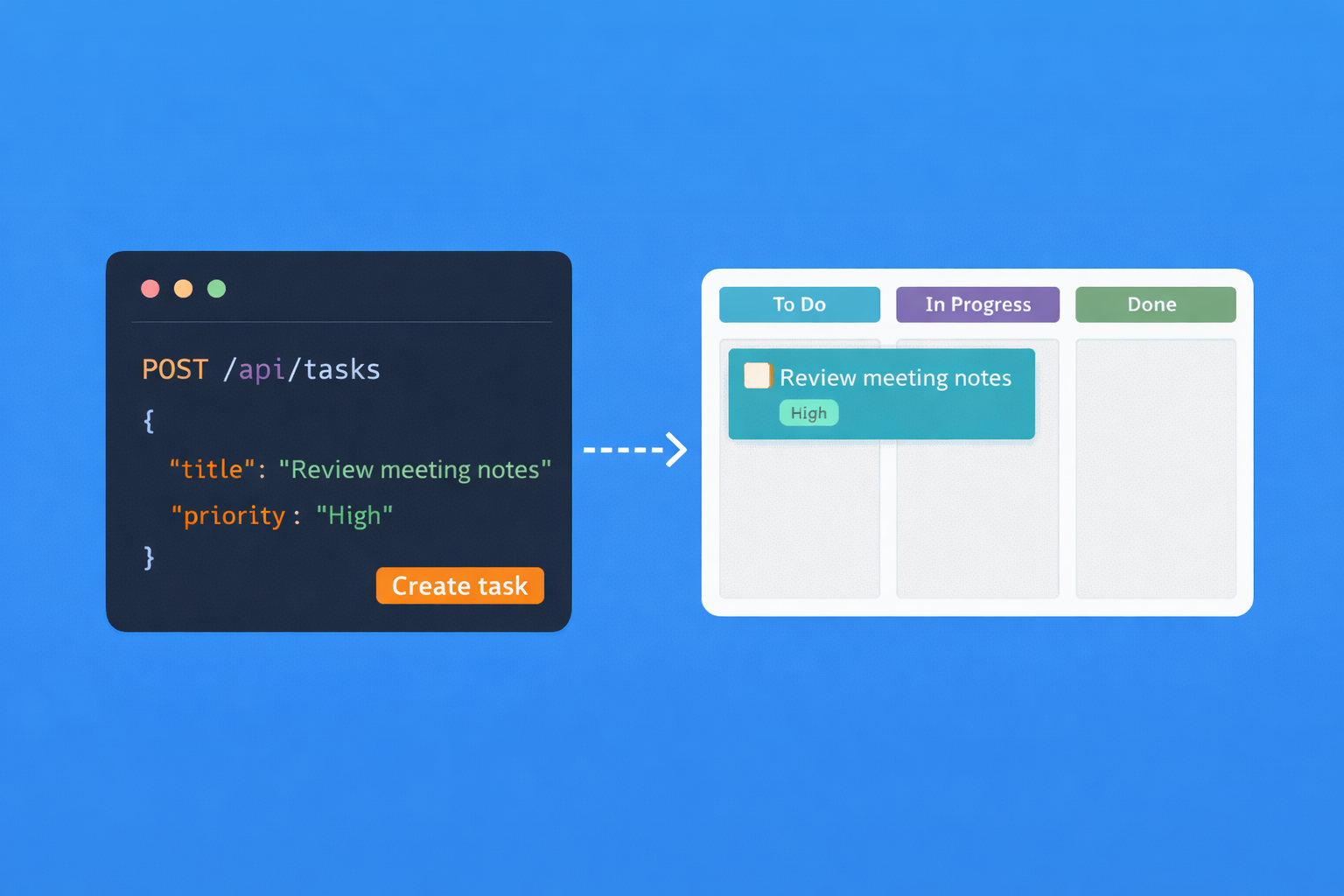
Create a task with a simple POST request
POST /api/tasks
Authorization: Bearer your_access_token
Content-Type: application/json

{
  "boardId": "abc123",
  "name": "New feature request",
  "description": "Add dark mode support",
  "priority": "high",
  "tags": ["feature", "v2"],
  "assigneeId": "user456"
}
Response: 201 Created

{
  "id": "task789",
  "name": "New feature request",
  "boardId": "abc123",
  "step": "To Do",
  "createdAt": "2025-01-17T10:30:00Z"
}
Available Endpoints
Full coverage of Task Board functionality
Tasks
GET/api/tasksPOST/api/tasksPUT/api/tasks/{id}DELETE/api/tasks/{id}
Boards
GET/api/boardsPOST/api/boardsPUT/api/boards/{id}GET/api/boards/{id}/tasks
Time Entries
GET/api/timePOST/api/timePOST/api/time/startPOST/api/time/stop
Getting Started
Get your API key and start building
Create a Task Board account
Sign up free - no credit card required.
Generate an API key
Go to Settings → Integrations → API Keys in your Task Board account.
Start making requests
Use the API key in the Authorization header and explore our Swagger documentation.
Why Build With Task Board's API?
Every team has unique workflows. The Task Board API lets you build exactly what you need. Sync tasks with your internal systems, pull time tracking data into custom reports, or create automated workflows that match how your team actually works. You're not limited to what we've built, you can extend Task Board to fit your process.
We designed the API to be straightforward. RESTful endpoints with JSON responses. Standard OAuth2 authentication. If you've integrated with any modern API, you'll feel at home. The interactive Swagger documentation lets you test endpoints directly in your browser before writing any code.
Whether you're building an internal tool, a commercial integration, or just automating your own workflows, the API gives you full access to boards, tasks, time entries, comments, and users. Real-time webhooks keep your systems in sync without polling. Rate limits are generous enough for real use cases.
Developer FAQ
What are the rate limits?
The API allows 100 requests per minute per API key. This is sufficient for most integrations including real-time sync applications. If you need higher limits for a commercial integration, contact us to discuss enterprise options.
Do I need a paid plan to use the API?
The API is available on all plans, including the free tier. You can build and test integrations without upgrading. The only limitation is that free accounts have a board limit, which applies whether you create boards via the UI or API.
How do webhooks work?
Register a webhook URL in your Task Board settings. We'll POST to that URL whenever events occur, including task creation, updates, moves, comments, and time entries. Each webhook payload includes the full object data so you rarely need to make follow-up API calls.
Is there SDK support?
We don't maintain official SDKs, but the API is simple enough that most developers prefer working with it directly. The REST endpoints and JSON responses work with any HTTP client in any language. Check our Swagger docs for example requests in multiple languages.