
Integrations
Connect Task Board with AI assistants, automation tools, and your own apps.
AI-Powered Task Management
Manage Tasks Through Conversation
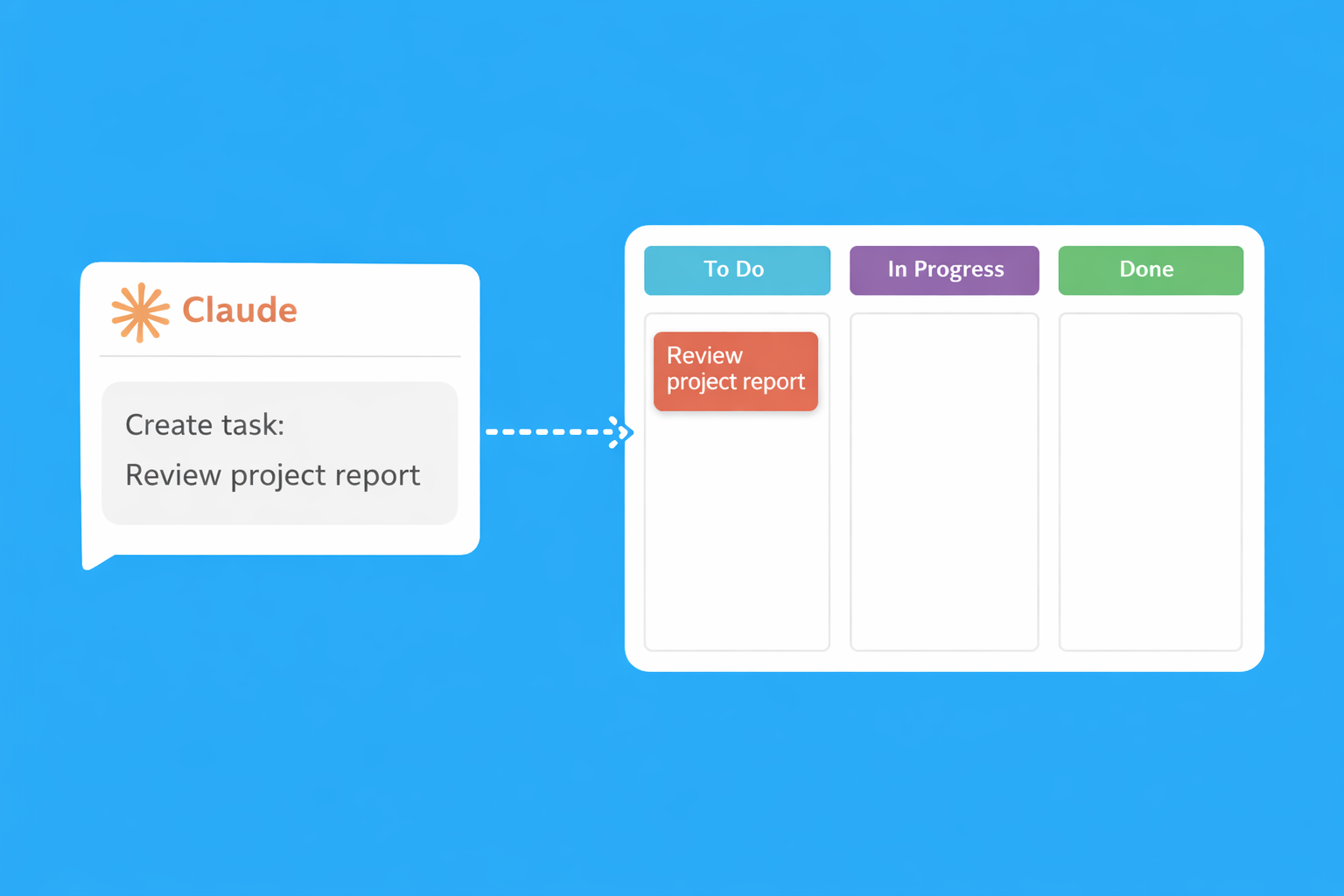
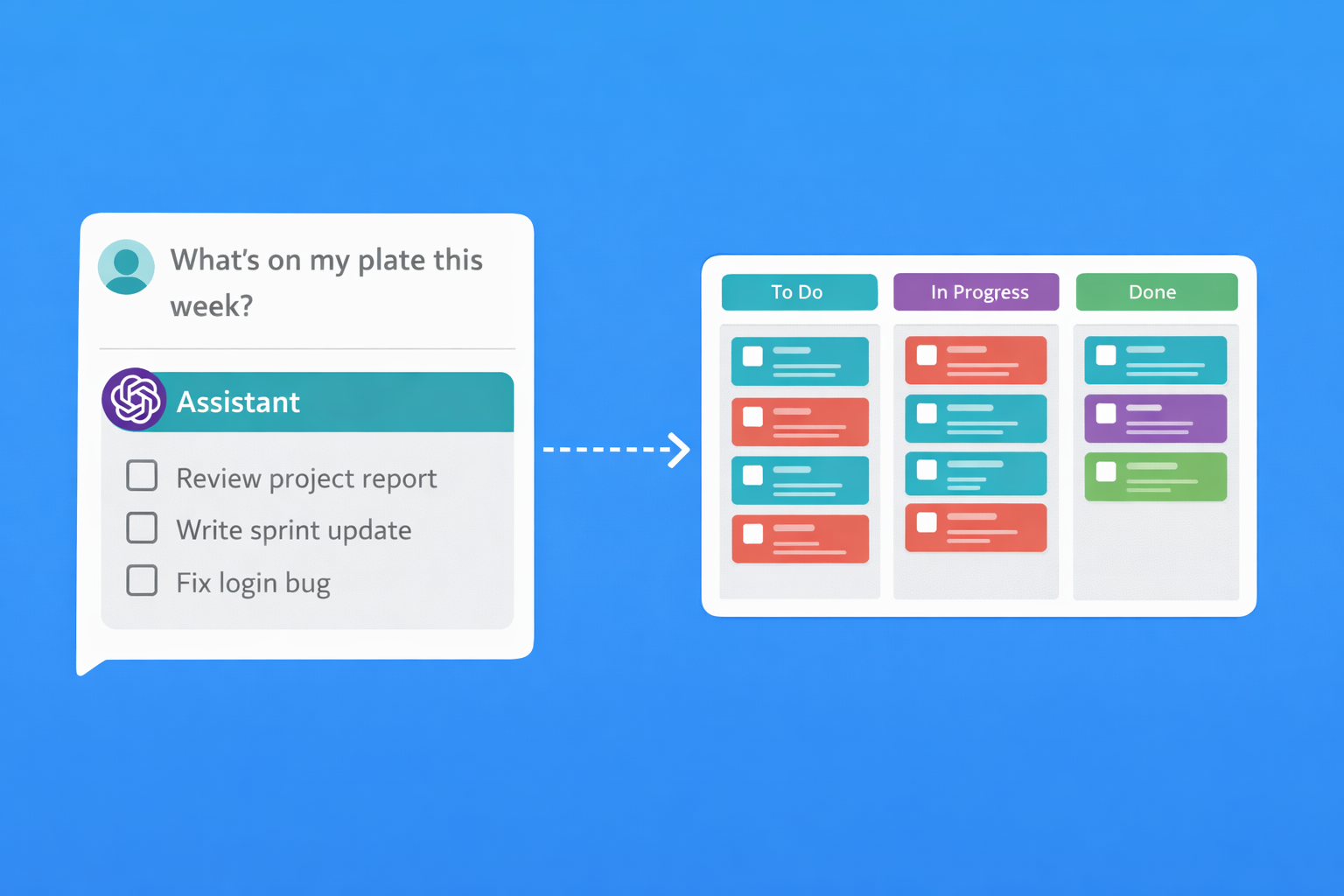
Talk to Claude or ChatGPT to create tasks, track time, and manage your boards. No clicking. No forms. Just say what you need.
You:
Claude:

Claude Integration
Connect Task Board to Claude using the Model Context Protocol (MCP). Claude can then help you manage tasks, track time, and stay organised.
What Claude Can Do
- Create, update, and search tasks
- Move tasks between workflow steps
- Start and stop timers
- Add comments to tasks
- Assign tasks to team members
- Generate time reports

ChatGPT Integration
Use the Task Board Assistant GPT to manage your tasks through natural conversation. Create tasks, track time, and stay organised without leaving ChatGPT.
How to Use
- Click the button below to open the Task Board Assistant GPT
- Sign in with your Task Board account when prompted
- Start chatting to manage your tasks

Zapier Integration
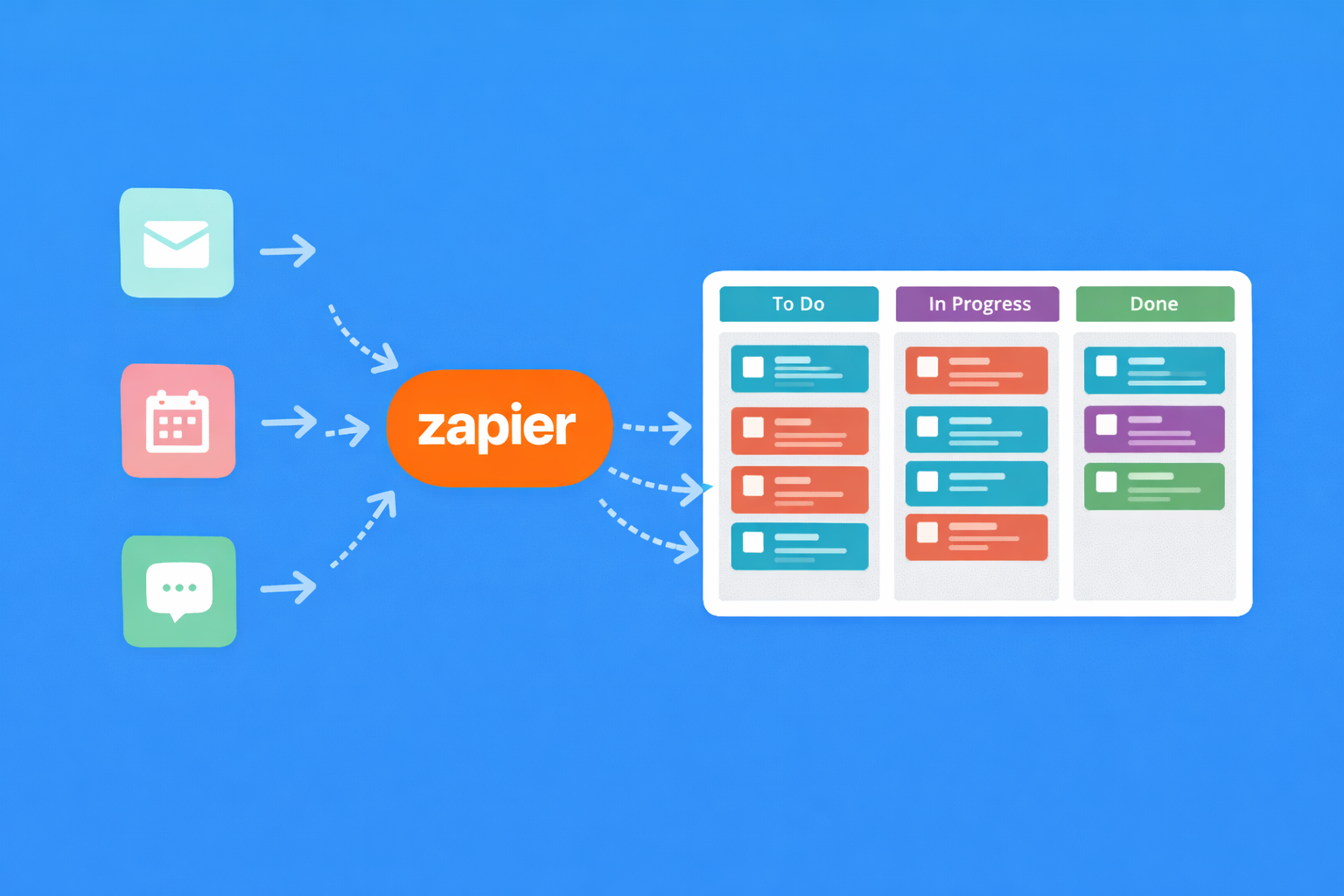
Connect Task Board to 5,000+ apps with Zapier. Automate repetitive workflows and keep your tools in sync.
Popular Automations
-
Email to Task
Create tasks from starred emails in Gmail or Outlook -
Slack Notifications
Post to Slack when tasks are completed or assigned -
Form Submissions
Create tasks from Typeform, Google Forms, or JotForm -
Calendar Sync
Create tasks from calendar events or add deadlines to calendar -
Spreadsheet Updates
Log time entries to Google Sheets for custom reporting

Intercom Integration
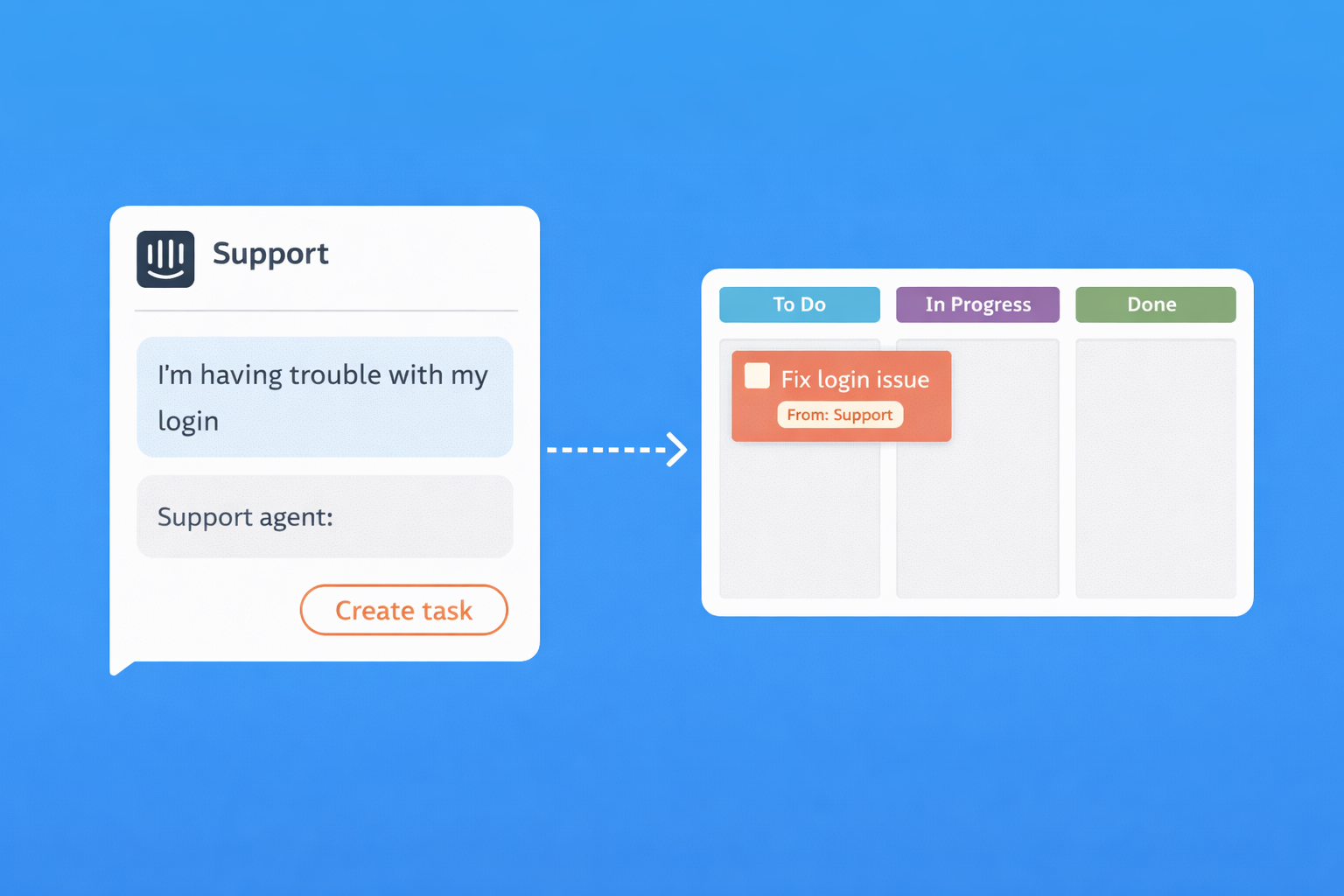
Create tasks directly from customer conversations. Keep your support team and development team in sync without context switching.
How It Works
- 1. Connect your Intercom workspace in Settings
- 2. Map Intercom inboxes to Task Board boards
- 3. Create tasks from conversations with one click
- 4. Link back to the original conversation for context
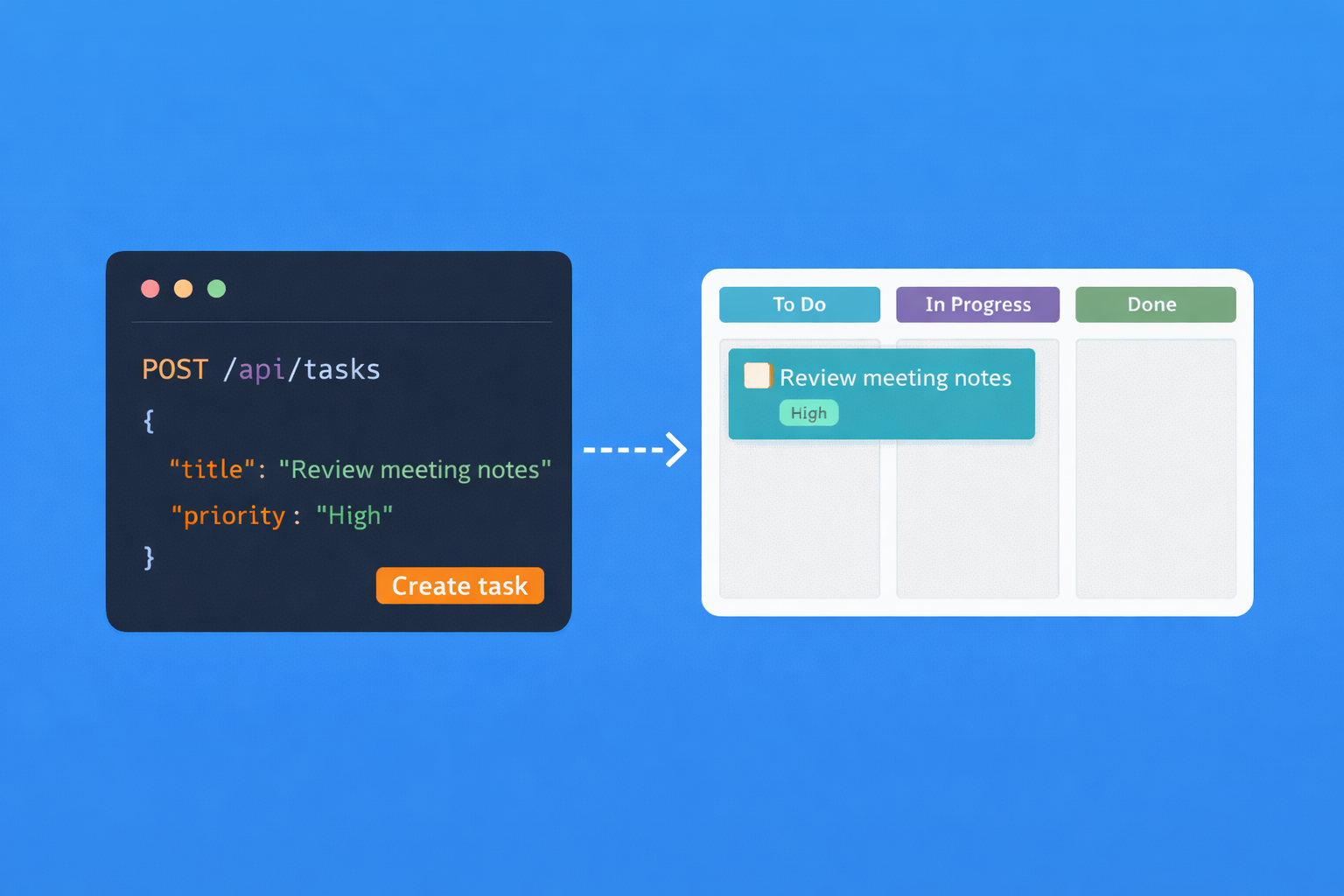
REST API
Build custom integrations with our REST API. Full OAuth2 support with API key fallback. Everything you can do in the app, you can do via API. See our developer documentation.
API Features
- OAuth2 authentication
- API key authentication for scripts
- Webhook subscriptions for real-time events
- Full CRUD on tasks, boards, time entries
- Swagger documentation
Integration FAQs
Common questions about Task Board integrations
Are integrations included in all plans?
Yes, all integrations are available on both the free Solo plan and the Team plan. There's no premium tier required for API access, Zapier, or AI integrations. We believe integrations should be accessible to everyone, not locked behind expensive enterprise plans.
Do I need to pay separately for Zapier?
Task Board's Zapier integration is free on our side. Zapier has their own pricing tiers based on how many automations you run. Their free tier is often sufficient for basic automations. You only pay Zapier if you exceed their free limits.
What can I do with the API?
Everything you can do in the app, you can do via API: create boards and tasks, track time, add comments, assign team members, and generate reports. The API supports both OAuth2 for user-facing apps and API keys for scripts and automations. Full documentation with Swagger is available.
How secure are the AI integrations?
AI integrations use the Model Context Protocol (MCP) or OAuth2, which means Claude and ChatGPT only access your Task Board data with your explicit permission. They use your account credentials and respect your board permissions. We don't store any data from AI conversations.
Can I build my own integration?
Yes, our REST API gives you full access to build custom integrations. We provide OAuth2 for apps that act on behalf of users, and API keys for personal scripts. Webhook subscriptions let you react to events in real-time. See our developer documentation for details.
Is there a limit on API calls?
We have generous rate limits that are more than sufficient for normal usage. If you're building something that requires high-volume access, contact us and we can discuss your needs. We want to support developers building on our platform.
Stop switching tools.
Start shipping work.
Kanban boards with built-in time tracking. Free for solo use.
Start FreeNo credit card required • Invite clients for free with guest access