
Zapier Integration
Connect Task Board to 5,000+ apps and automate your workflows.
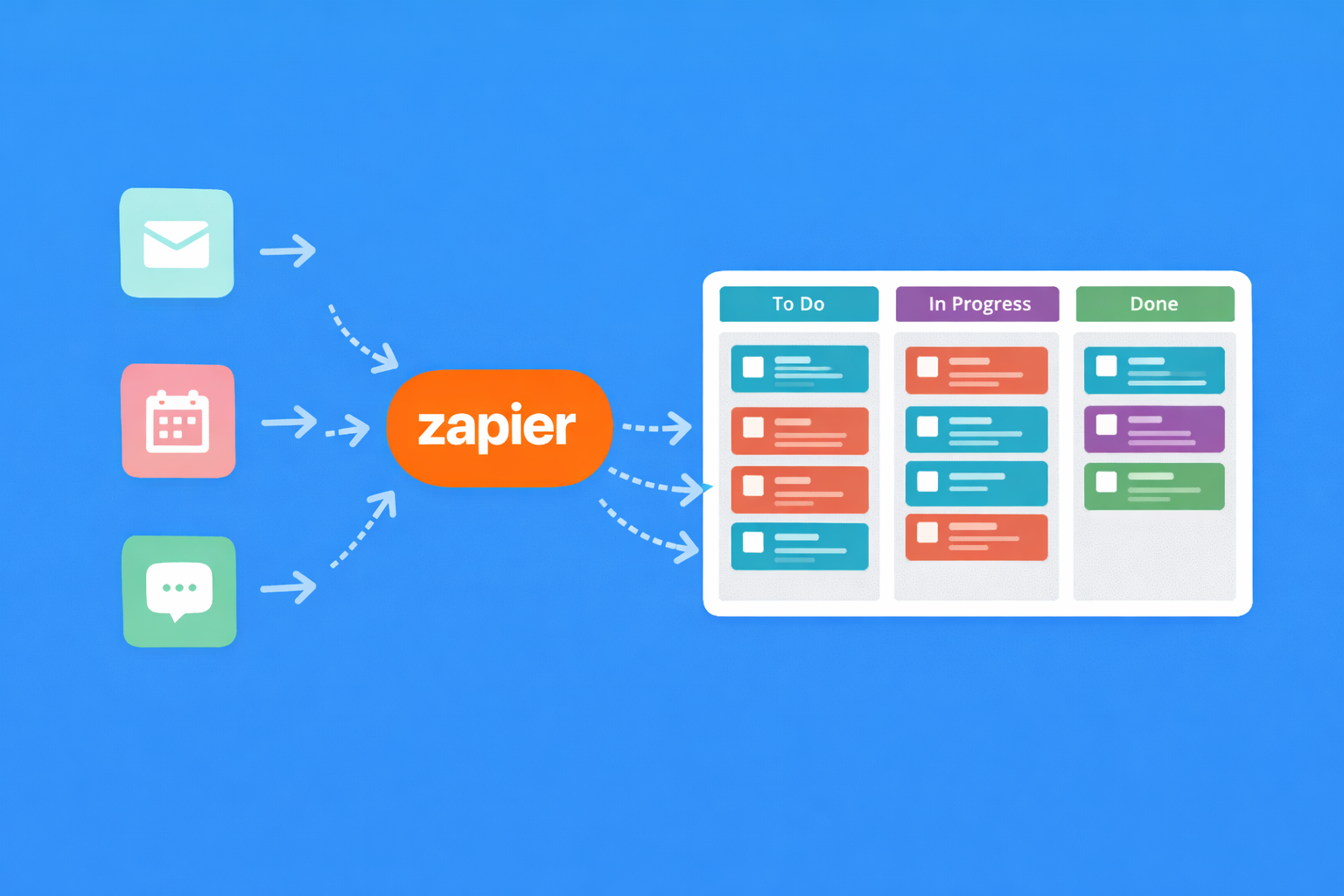
Popular Automations
Pre-built templates to get you started in minutes
Star an email in Gmail or Outlook and automatically create a task in Task Board.
Post to a Slack channel when tasks are completed, assigned, or created.
Create tasks from Typeform, Google Forms, JotForm, or Gravity Forms submissions.
Create tasks from calendar events or add task deadlines to Google Calendar.
Log time entries or completed tasks to Google Sheets for custom reporting.
Sync GitHub issues with Task Board tasks. Keep code and project management aligned.
Triggers & Actions
Build custom automations with these building blocks
Triggers (When this happens...)
- New task created
- Task moved to a step
- Task completed
- Task assigned
- Comment added
- Time entry logged
Actions (...do this)
- Create a new task
- Update an existing task
- Move task to a step
- Add a comment
- Log time to a task
- Find a task by name or ID
Why Automate Your Task Management?
Manual task creation is a productivity leak. Every time you stop what you're doing to log a task, you break your flow. Zapier eliminates that friction by automatically creating tasks from the tools you already use. Starred email? Task. Form submission? Task. Calendar event? Task. No extra steps required.
The real power comes from chaining automations together. When a task is completed in Task Board, post to Slack, update a spreadsheet, and send a client notification, all automatically. Your team stays informed without anyone sending status updates manually. Less admin work means more time for actual work.
Zapier connects Task Board to over 5,000 apps, from CRMs like HubSpot and Salesforce to project tools like Notion and Airtable. If you use it, you can probably connect it. And with Zapier's visual workflow builder, you don't need to write any code to set up complex multi-step automations.
Real-World Use Cases
How teams actually use Task Board with Zapier
Agencies: Client Request Intake
When a client submits a request through Typeform, automatically create a task on the client's board with their request details. Assign it to the account manager and post a notification in the team Slack channel. The client gets an automatic confirmation email. No one forgets a request, and the team starts work faster.
Freelancers: Billable Time to Invoice
When you stop a timer in Task Board, log the time entry to a Google Sheet with client name, project, hours, and rate. At the end of the month, your invoice data is already compiled. Copy to your invoicing tool and send. Hours of manual time tracking eliminated.
Product Teams: GitHub to Task Board
When a new issue is opened in GitHub, create a corresponding task in Task Board. When the GitHub issue is closed, move the task to Done. Developers work in GitHub, project managers see progress in Task Board. Everyone stays in their preferred tool while data stays in sync.
Ready to Automate?
Connect Task Board to your favourite apps with Zapier.
Connect Zapier Create Free Account