
The task board that gets out of your way
Simple kanban for teams who'd rather ship work than configure tools.
Start FreeNo credit card needed • Free forever for solo use
Join teams saving 10+ hours per week on task tracking


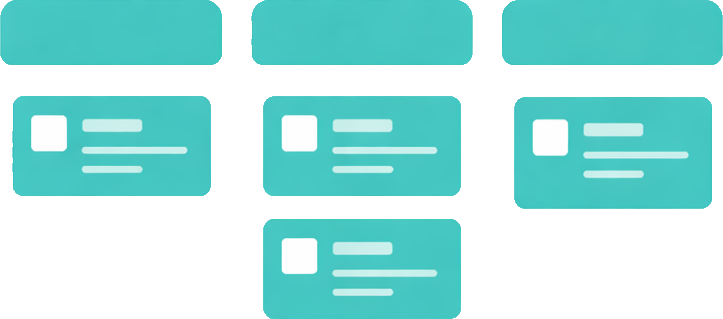
Dead Simple Boards
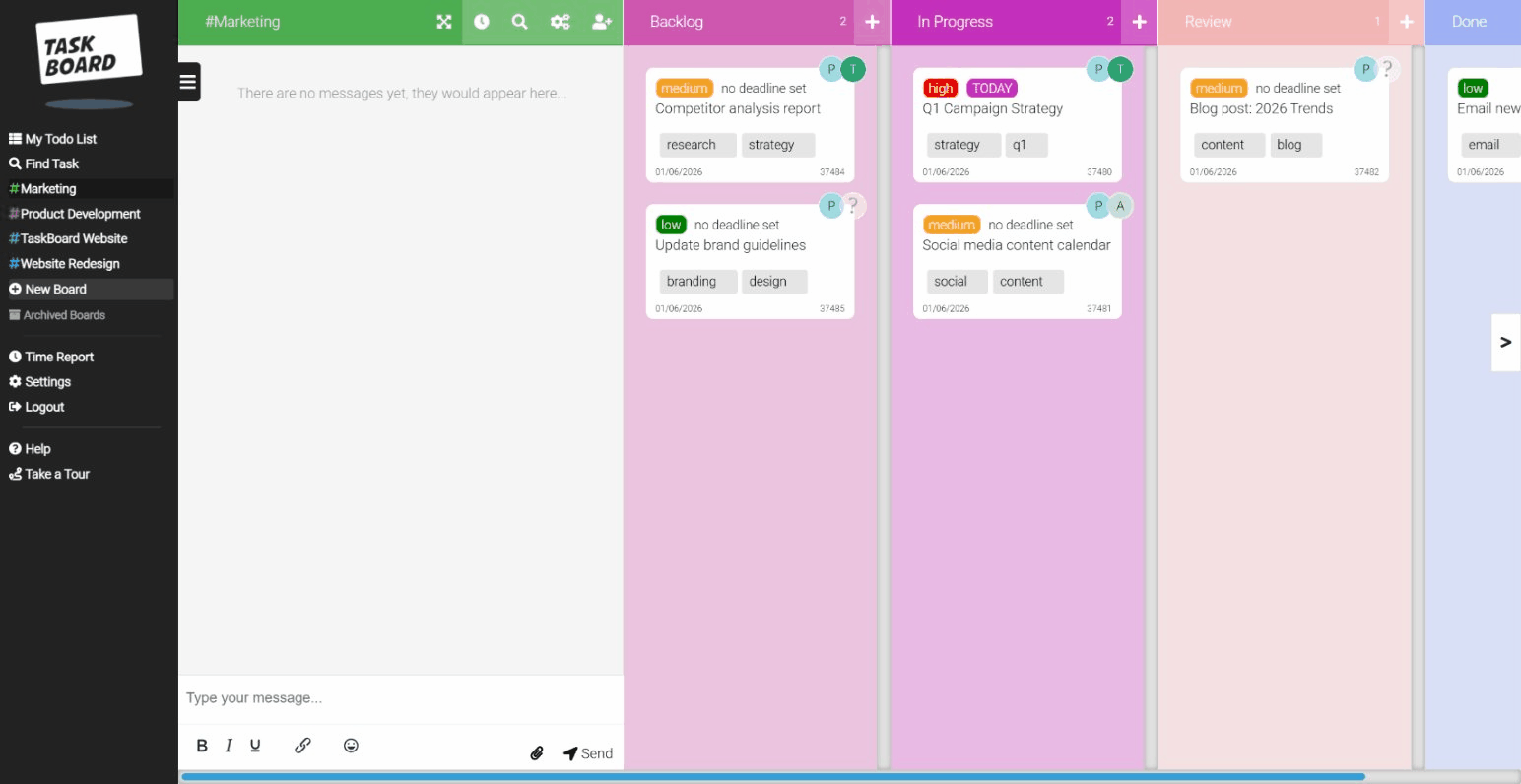
Create a board. Add tasks. Drag and drop. That's it. No training videos. No consultants. No setup wizards. See all features.
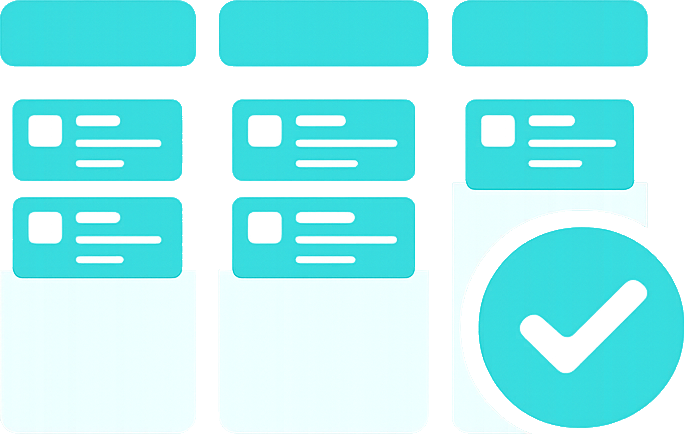
Time Tracking Without Thinking
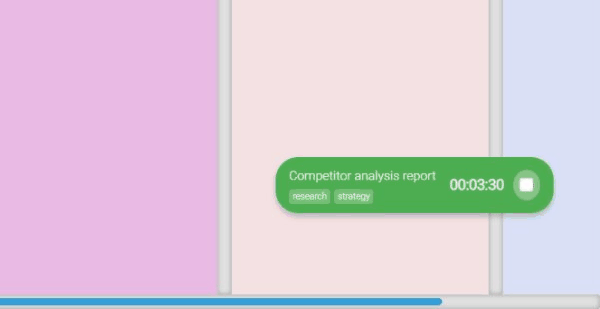
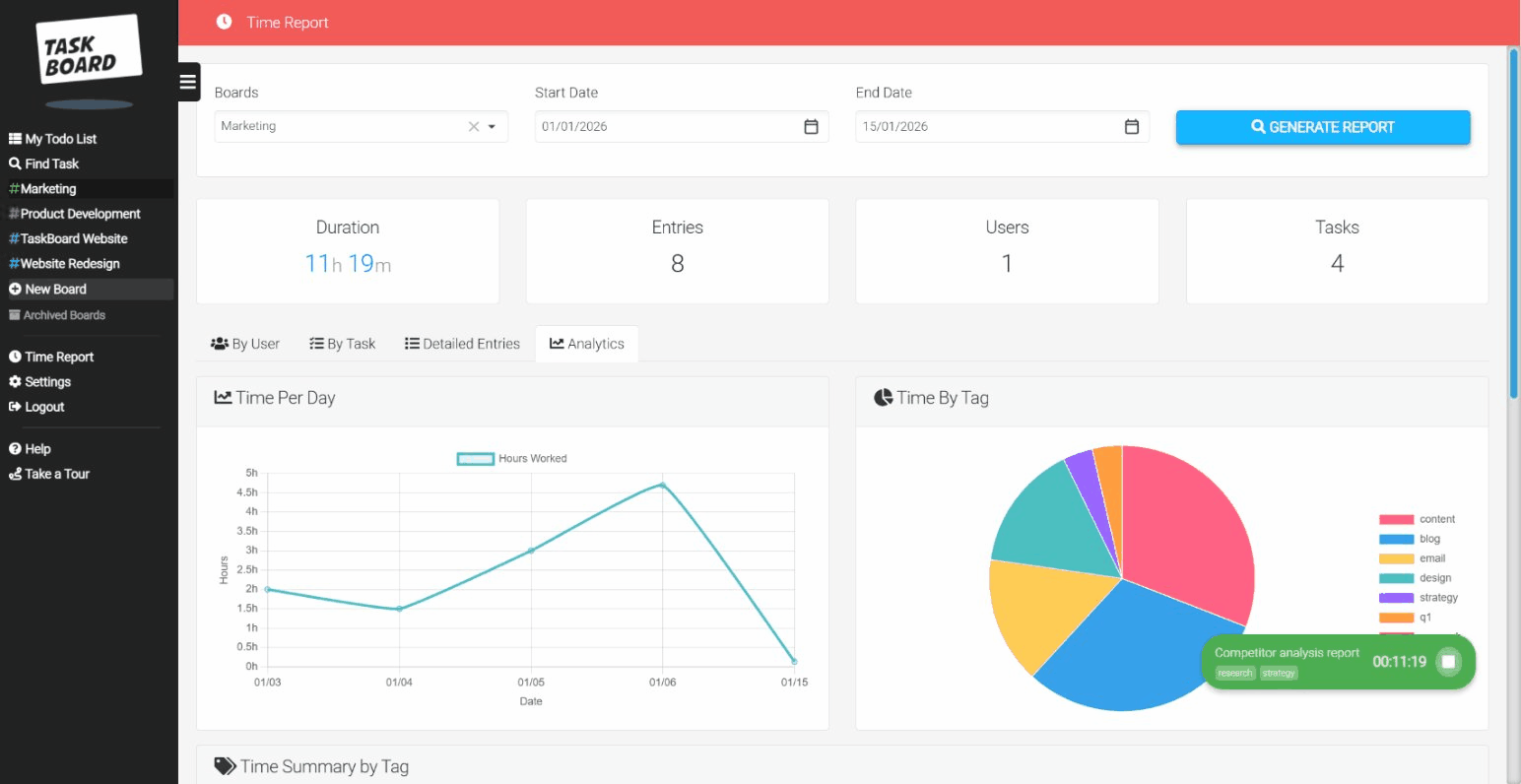
Start timer. Work on task. Stop timer. That's it. Reports appear automatically. No separate tool needed.
One Tool, Clear Pricing
Everything included. No power-ups. No hidden costs. £12/user gets you everything.
Your AI Already Knows Task Board
Connect Claude or ChatGPT and just ask. No special syntax. No learning curve.
"Create a task for the homepage redesign"
"How much time did I log this week?"
"Move the API bug to Done"

Claude
ChatGPT

Zapier
Why teams switch to Task Board
"We were drowning in ClickUp features we never used"
"Task Board has exactly what we need. Nothing more, nothing less."
"Trello was simple but we needed time tracking"
"Now we track billable hours without switching tools or paying for Clockify."
"Asana was too expensive for what we actually needed"
"£12/user vs £20-24/user. Same value. Half the price. Simpler to use."
How Task Board Works
Get your team organised in three simple steps. No training required.
Create Your Board
Set up columns that match your workflow. To Do, In Progress, Done - or whatever works for your team. Takes 30 seconds.
Add Tasks & Track Time
Create tasks with descriptions, due dates, and assignees. Hit the timer when you start working. Stop when you're done.
Ship Work & Review
Drag tasks to Done when complete. Check reports to see where time went. Invoice clients with accurate data.
Frequently Asked Questions
Everything you need to know about Task Board.
What is a taskboard and how does it help my team?
A taskboard (also called a kanban board) is a visual tool that shows your work in columns. Each column represents a stage like "To Do", "In Progress", and "Done". Cards move through columns as work progresses. This gives everyone a clear view of what's happening without status meetings.
Is Task Board really free?
Yes. Solo users get full access forever at no cost. No credit card needed. No trial period. When you're ready to add team members, it's £12 per user per month with all features included.
How does the built-in time tracking work?
Each task has a timer button. Click to start when you begin working. Click again to stop. Time is logged automatically to that task. View reports by day, week, or month. Filter by team member, project, or client. Export for invoicing.
Can I use Task Board with AI assistants?
Yes. Task Board connects to Claude, ChatGPT, and other AI tools. Just tell your AI what you want in plain English: "Create a task for the website redesign" or "Show me this week's time entries". No special commands to learn.
How does Task Board compare to Trello, Asana, or ClickUp?
Task Board focuses on simplicity. Unlike Trello, we include time tracking. Unlike Asana and ClickUp, we don't overwhelm you with features you'll never use. You get kanban boards, time tracking, and reports - the essentials done well. See our detailed comparisons: vs Trello, vs Asana, vs ClickUp, vs Monday.com.
Can I try Task Board without signing up?
Yes. We offer a guest access mode so you can explore the interface before creating an account. When you're ready, sign up takes 30 seconds.
Ready to simplify your workflow?
Join thousands of teams using Task Board to ship work faster.
Start Free TodayNo credit card required • Free forever for solo use
Look, you don't need another bloated project management tool. You need a simple Trello alternative with time tracking built in. That's Task Board. Drag cards, track hours, ship work. If you're after enterprise complexity, we're not it. If you want to stop wrestling with tools and start getting things done, try it free.