Here's a question: how much of your week do you spend actually doing work versus managing the tools that are supposed to help you do the work?
If you're like most teams we talk to, the answer is uncomfortable. Between configuring workflows, updating statuses across three different apps, and sitting through "quick syncs" to figure out who's doing what, it adds up fast.
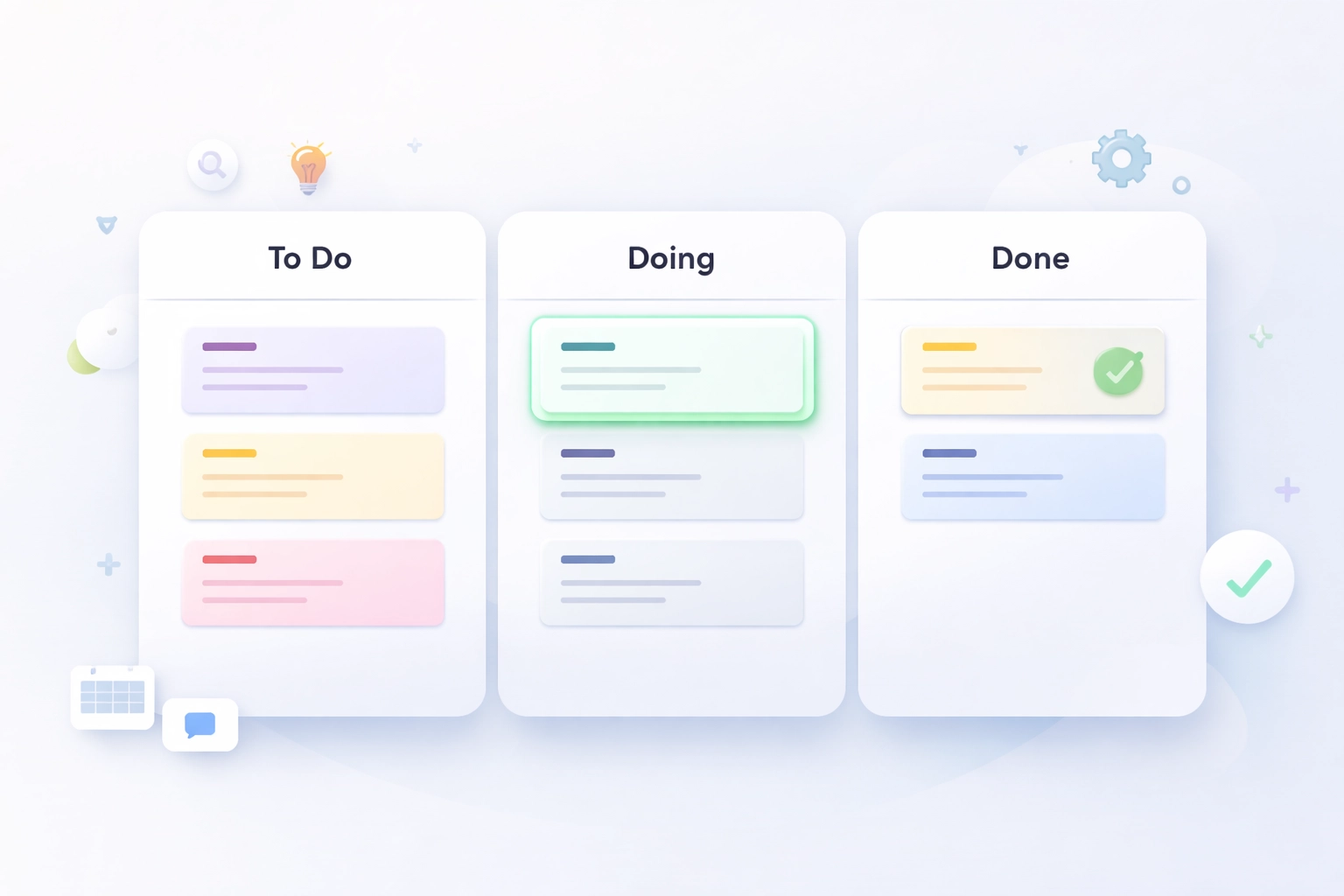
We built Task Board because we got tired of the same thing. And at the heart of it is a workflow so simple you can explain it in one sentence: To Do, Doing, Done.
That's it. Three columns. Three steps. Let's break down why this works and how to actually use it without overthinking.
Stop Configuring. Start Shipping.
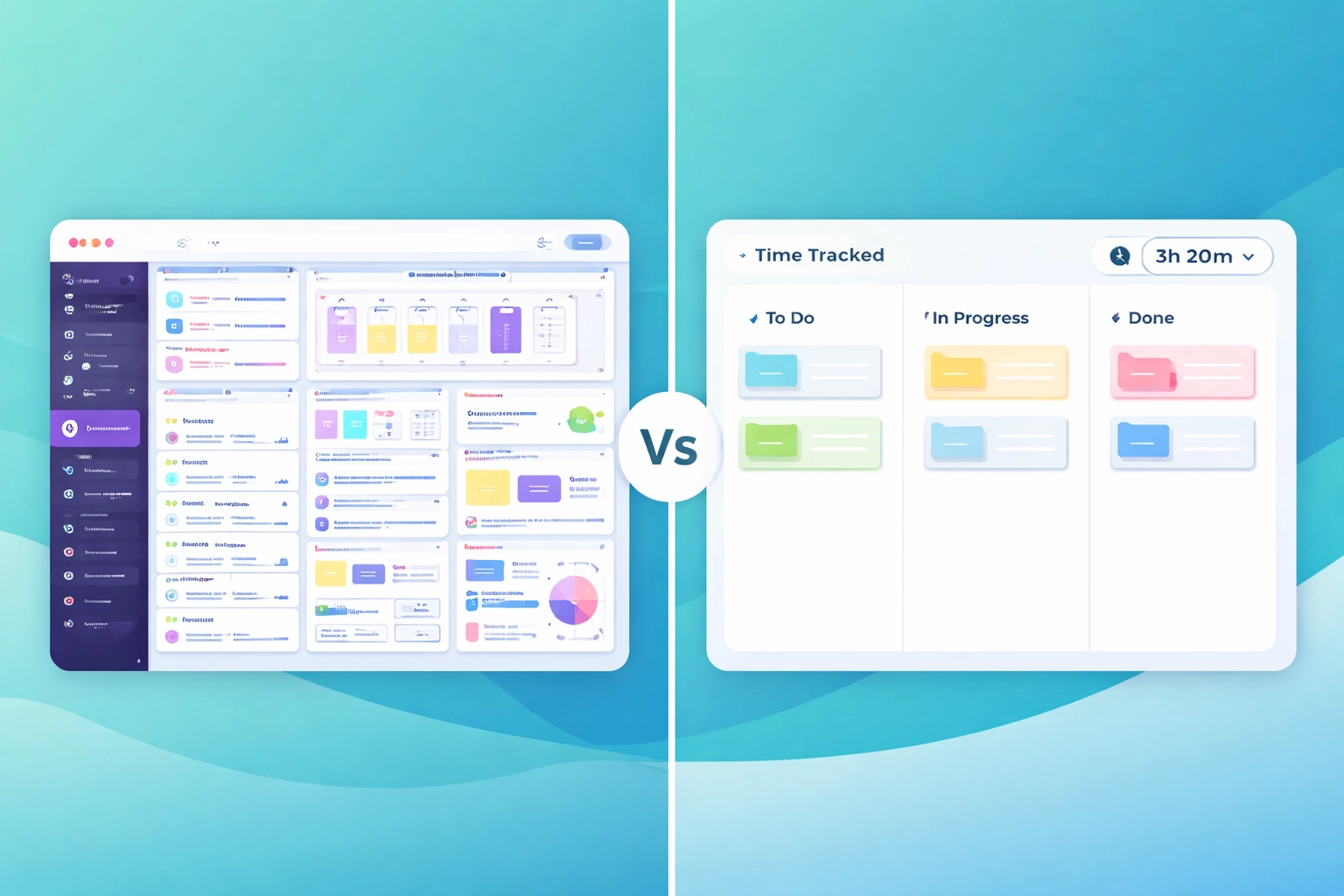
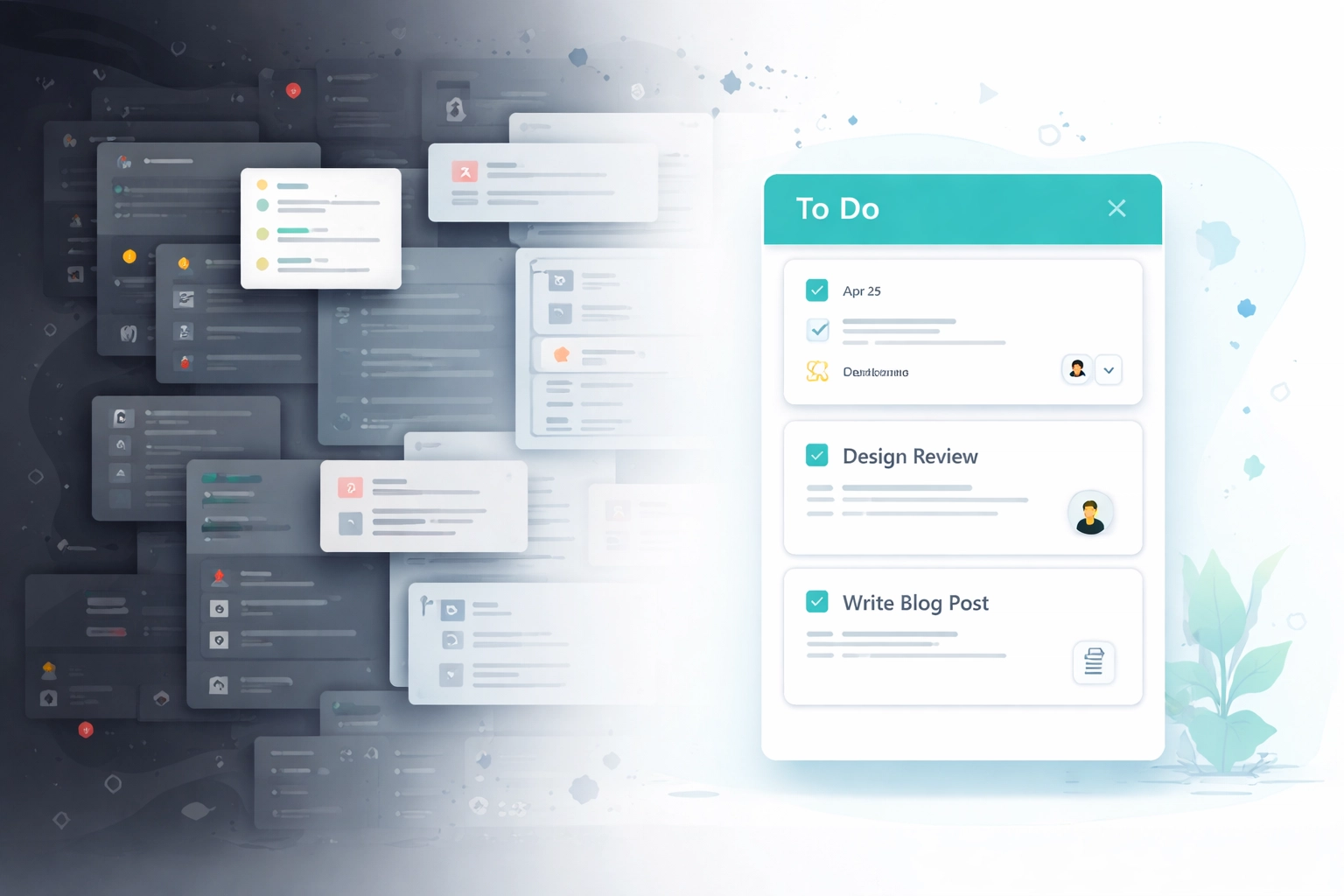
Most project management tools want you to become a project management expert before you can use them. You've got to set up custom fields, design automation rules, choose from seventeen different view types, and maybe watch a few tutorial videos just to create your first task.
That's backwards.
"You don't need a certification to move a card from left to right."
The best workflow is the one your team actually uses. And teams use things that are obvious. When someone new joins, they should be able to look at your board and understand what's happening in about five seconds.
Three columns. Cards move left to right. Work gets done.
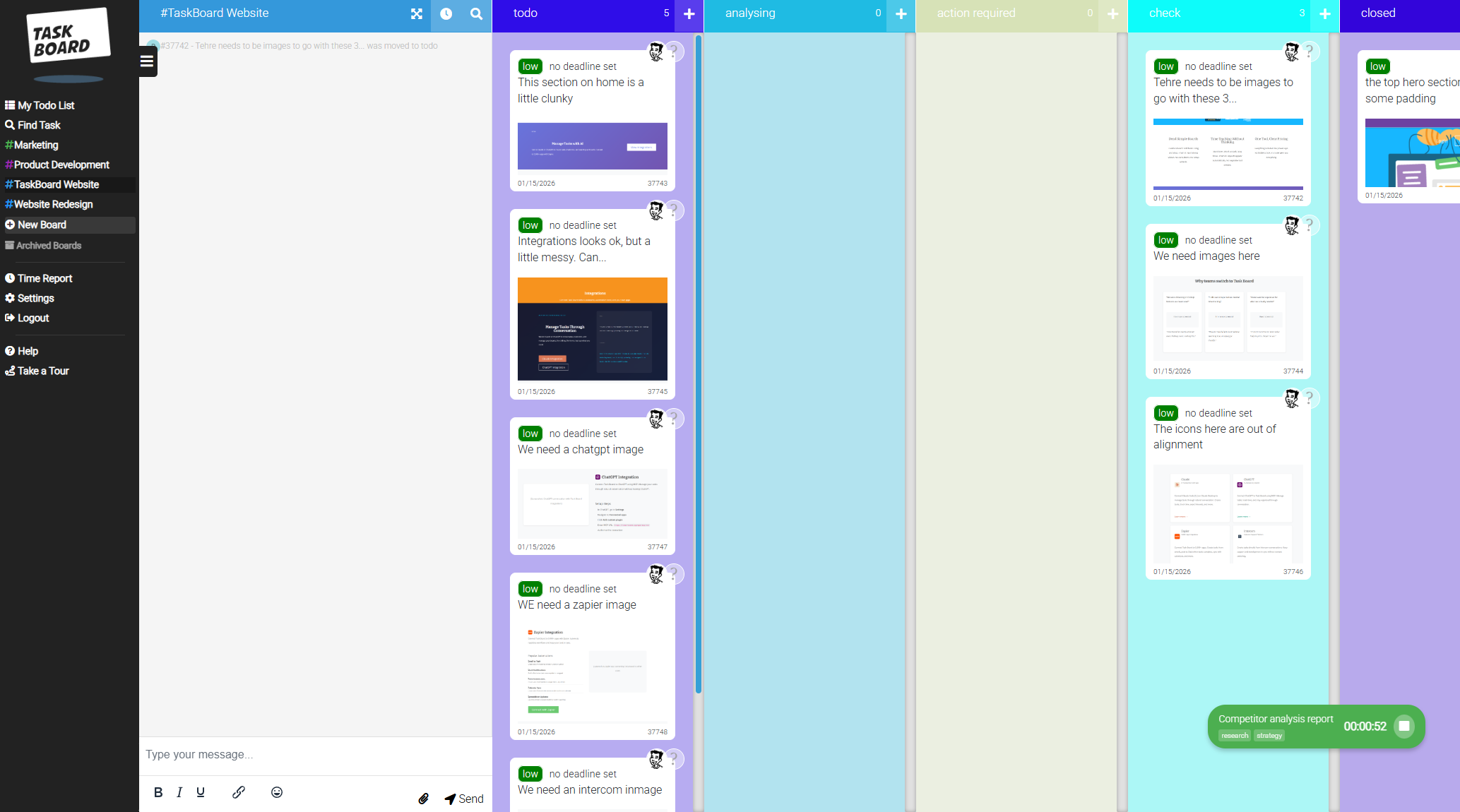
The 3-Column Setup That Works for Everyone
Let's talk about those three columns, because there's a reason this structure has survived decades of productivity trends.
Column 1: To Do
This is your backlog. Everything that needs to happen eventually lives here. It's not a wishlist, it's committed work that someone will pick up.
The key? Keep it honest. If a task has been sitting in "To Do" for three months, it's not a task. It's a maybe. Move it somewhere else or delete it.
Column 2: Doing
This is where the magic happens. A card in "Doing" means someone is actively working on it right now.
Here's the rule that changes everything: limit what's in progress.
"If everything is in progress, nothing is in progress."
We recommend no more than 2-3 tasks per person in the "Doing" column at any time. It sounds restrictive, but it's actually freeing. You stop context-switching. You finish things. And finishing things feels really, really good.
Column 3: Done
Completed work goes here. But don't skip past this column too quickly, it's important.
At the end of each week, look at your "Done" column. That's your proof of progress. That's what you actually shipped. When someone asks "what did the team accomplish this sprint?" you point here.
"Your Done column is your weekly highlight reel. Make it count."
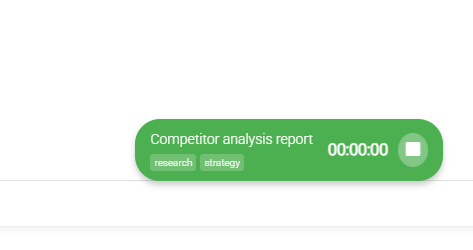
How to Use the Built-In Timer Without Thinking
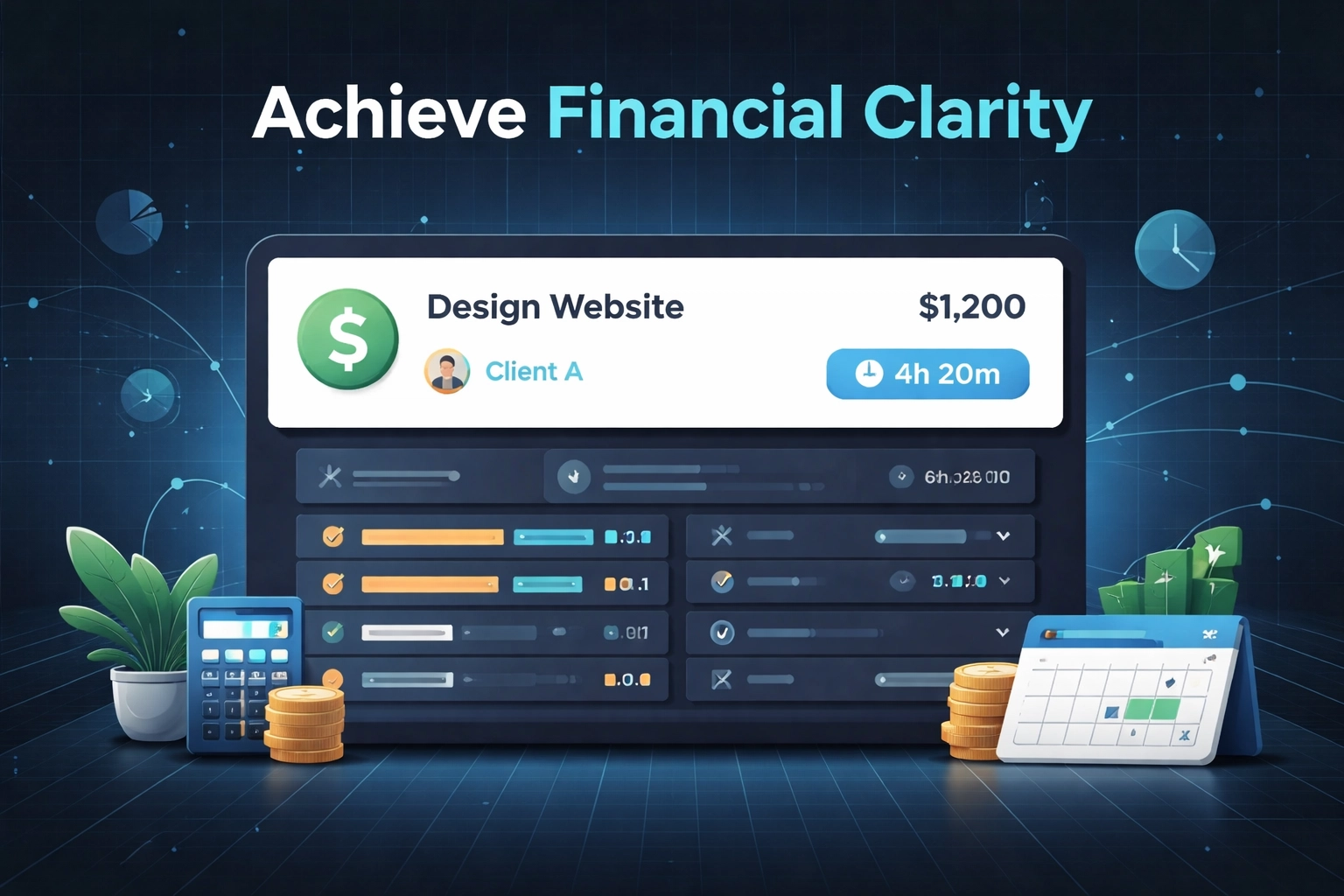
Here's where most teams lose hours every week: tracking time in a completely separate app.
You've got your tasks in one tool, your timer in another, and then you're manually matching them up at the end of the week for reports or invoicing. It's tedious. It's error-prone. And honestly? Most people just guess.
With Task Board's built-in time tracking, it works like this:
- Click on a task
- Hit the timer button
- Do the work
- Stop the timer when you're done
That's the whole process. The time automatically attaches to that specific task, so when you need to pull reports or bill a client, everything's already connected.
"Start timer. Work on task. Stop timer. That's it."
No app-switching. No remembering to log hours at the end of the day. No reconciling mismatched data between systems.
Reclaiming 10+ Hours a Week
We throw that number around on our website, and people sometimes ask where it comes from. Here's the rough breakdown:
Context-switching between apps: 30-45 minutes per day. You check Trello, then Clockify, then Slack, then back to Trello. Each switch costs you focus time.
Status update meetings: 2-3 hours per week. When your board doesn't tell the full story, you need more meetings to fill the gaps.
Manual time reconciliation: 1-2 hours per week. Matching logged hours to tasks, fixing mistakes, generating reports.
Tool configuration and maintenance: 1-2 hours per week. Updating workflows, adding new automations, training new team members on your complicated setup.
Add it up, and you're easily looking at 8-12 hours per week spent managing work instead of doing work.
"The goal isn't to manage tasks better. It's to spend less time managing tasks at all."
When your workflow is three columns and a built-in timer, most of that overhead just disappears. Your board is your status update. Your time data is attached to your tasks. There's nothing to reconcile.
Who This Works For (And Who It Doesn't)
Let's be honest: this approach isn't for everyone.
This works brilliantly for:
- Small to mid-sized teams (10-50 people) who need clarity without complexity
- Agencies tracking billable hours across multiple clients
- Remote teams who need async visibility into what's happening
- Any team that's tried the "big" tools and felt overwhelmed
This might not be right for you if:
- You genuinely need Gantt charts, resource levelling, and complex dependencies
- You're managing 500+ people across multiple departments
- You've already invested heavily in a tool and your team loves it
We're not trying to be everything to everyone. If you need enterprise-grade project portfolio management, there are tools for that. But if you just want to track tasks, log time, and ship work, we think simpler is better.
"Not every team needs a Swiss Army knife. Some just need a really good blade."
Your Simple Workflow Checklist
Ready to try this? Here's your five-minute setup:
- Create your board with three columns: To Do, Doing, Done
- Add your current tasks to the To Do column (only real, committed work)
- Set a WIP limit of 2-3 tasks per person in Doing
- Move cards daily, don't let them sit
- Use the timer every time you start a task
- Review Done weekly and celebrate what you shipped
That's your entire system. No configuration marathon. No workflow diagrams. No training sessions.
"The best productivity system is the one simple enough that you actually use it."
Start Today
If you're drowning in features you don't use, juggling multiple apps that don't talk to each other, or spending more time managing work than doing work: maybe it's time to try something simpler.
Task Board gives you Kanban boards, built-in time tracking, and nothing you don't need. Three columns. One timer. Zero complexity.
Your brain processes visual information 60,000 times faster than text. So stop reading status updates and start seeing your work move across the board.
To Do. Doing. Done.
It really can be that simple.