
It's 4:47pm on a Friday. You've got one foot out the door, mentally halfway to the weekend. And then it hits you, timesheets.
You open a spreadsheet. You squint at your calendar. You scroll through Slack trying to piece together what you actually did on Tuesday. Was that the Henderson project or the rebrand? Did that call count as billable?
Sound familiar? You're not alone. For most agencies, tracking billable hours feels like an afterthought, a chore that gets crammed into the last hour of the week. And it's costing you money.
Let's talk about a better way.
The Pain of "Friday Afternoon" Time Tracking
Here's the thing about memory: it's terrible. Studies suggest we forget around 50% of new information within an hour. By Friday, you're not remembering Monday's tasks, you're guessing.
"If you're tracking time from memory, you're not tracking time. You're writing fiction."
This "Friday afternoon scramble" creates a cascade of problems:
- Underreported hours. You forget the quick 20-minute call, the email back-and-forth, the revision that took longer than expected. Those lost minutes add up fast.
- Overreported hours. Sometimes you guess high to compensate. That's awkward when a client queries the invoice.
- Team frustration. Nobody enjoys reconstructing their week. It feels like homework, and your team resents it.
- Delayed invoicing. If timesheets aren't in, invoices don't go out. Cash flow suffers.
The whole process is broken. And most agencies just accept it as "how things are."
It doesn't have to be.
Why Manual Spreadsheets Fail
We get it. Spreadsheets are familiar. They're flexible. They're free. But for billable hour tracking, they're a trap.
"Spreadsheets don't fail because they're bad tools. They fail because they rely on humans being perfect, and we're not."
Here's where spreadsheets fall apart for agencies:
1. Zero accountability.
There's no prompt, no reminder, no nudge. If someone forgets to log their time, you won't know until it's too late.
2. No real-time visibility.
You can't see how a project is tracking against budget until someone manually updates the sheet. By then, you might already be over.
3. Copy-paste chaos.
One wrong formula, one accidental overwrite, and your data is compromised. We've seen agencies lose weeks of time data to a single misclick.
4. Double handling.
Time goes into a spreadsheet. Then someone copies it into an invoice. Then someone else checks it. That's three opportunities for error and hours of admin nobody's billing for.
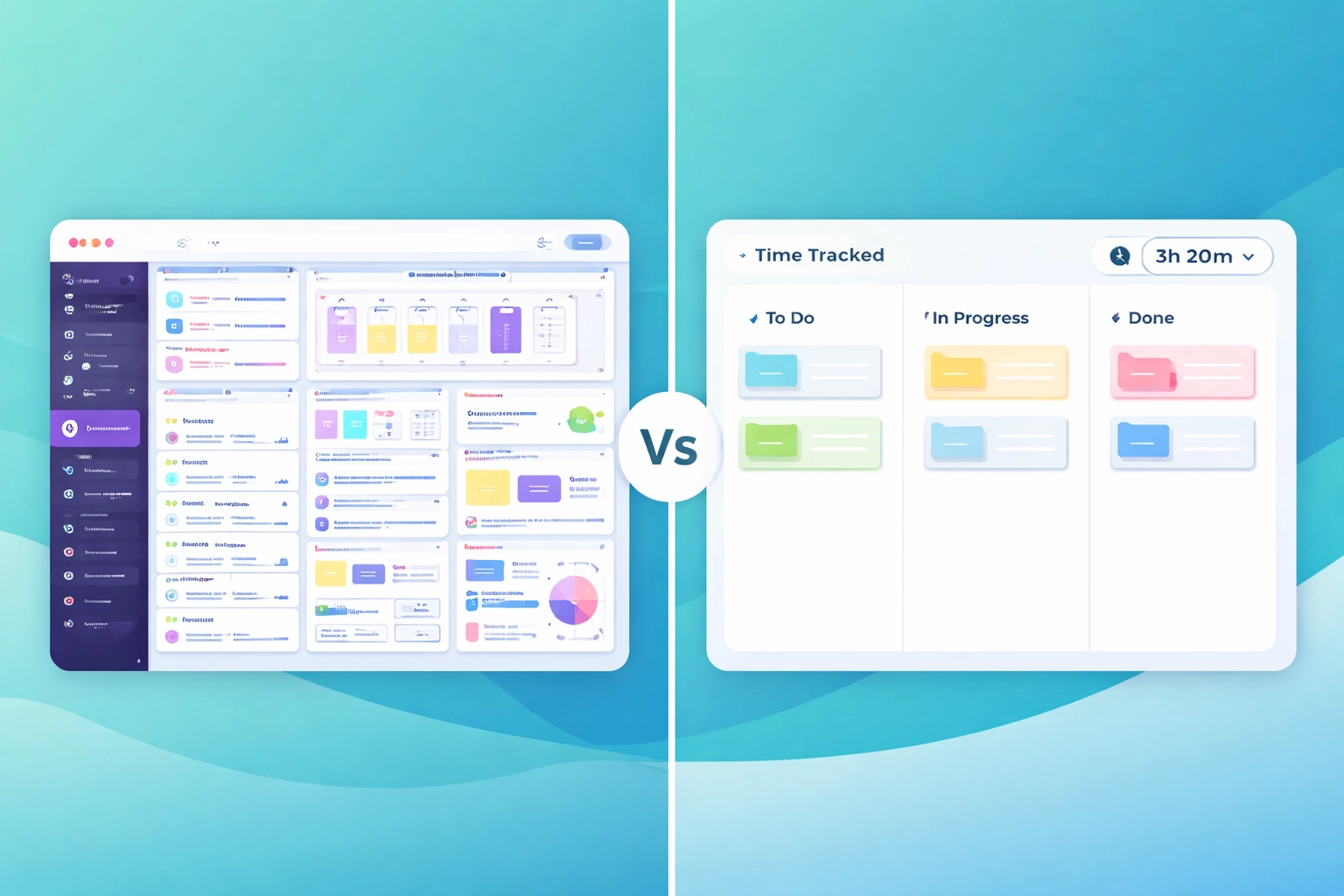
The reality is, spreadsheets were built for accountants doing year-end reconciliation, not creative teams juggling multiple clients in real time.
Tracking Billable Hours While You Work (The Task Board Way)
Here's the shift that changes everything: track time as you work, not after.
"The best time tracking happens in the background, not at the end of the week."
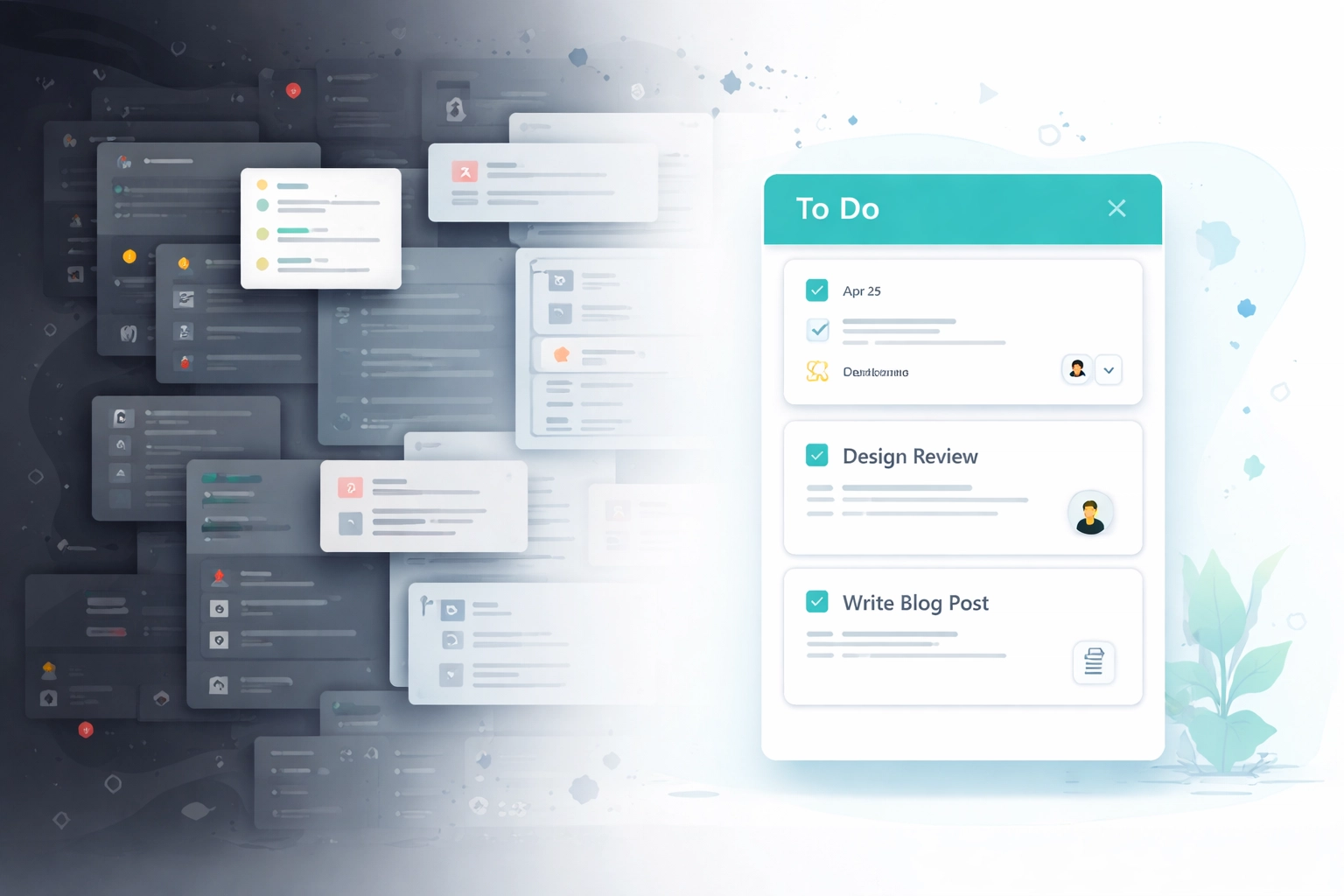
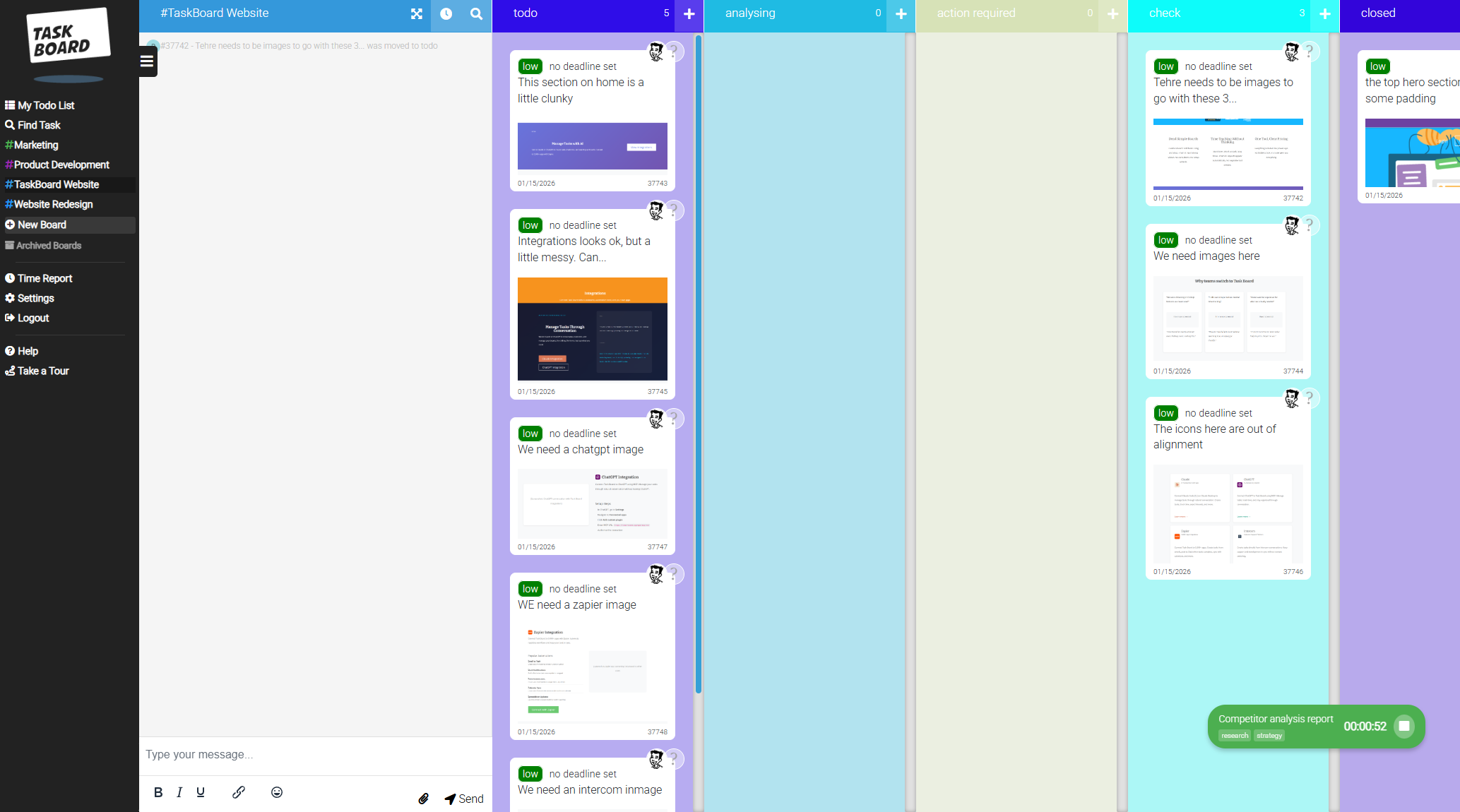
With Task Board, time tracking is built directly into your task workflow. No switching tabs. No separate app. No "I'll log it later."
Here's how it works:
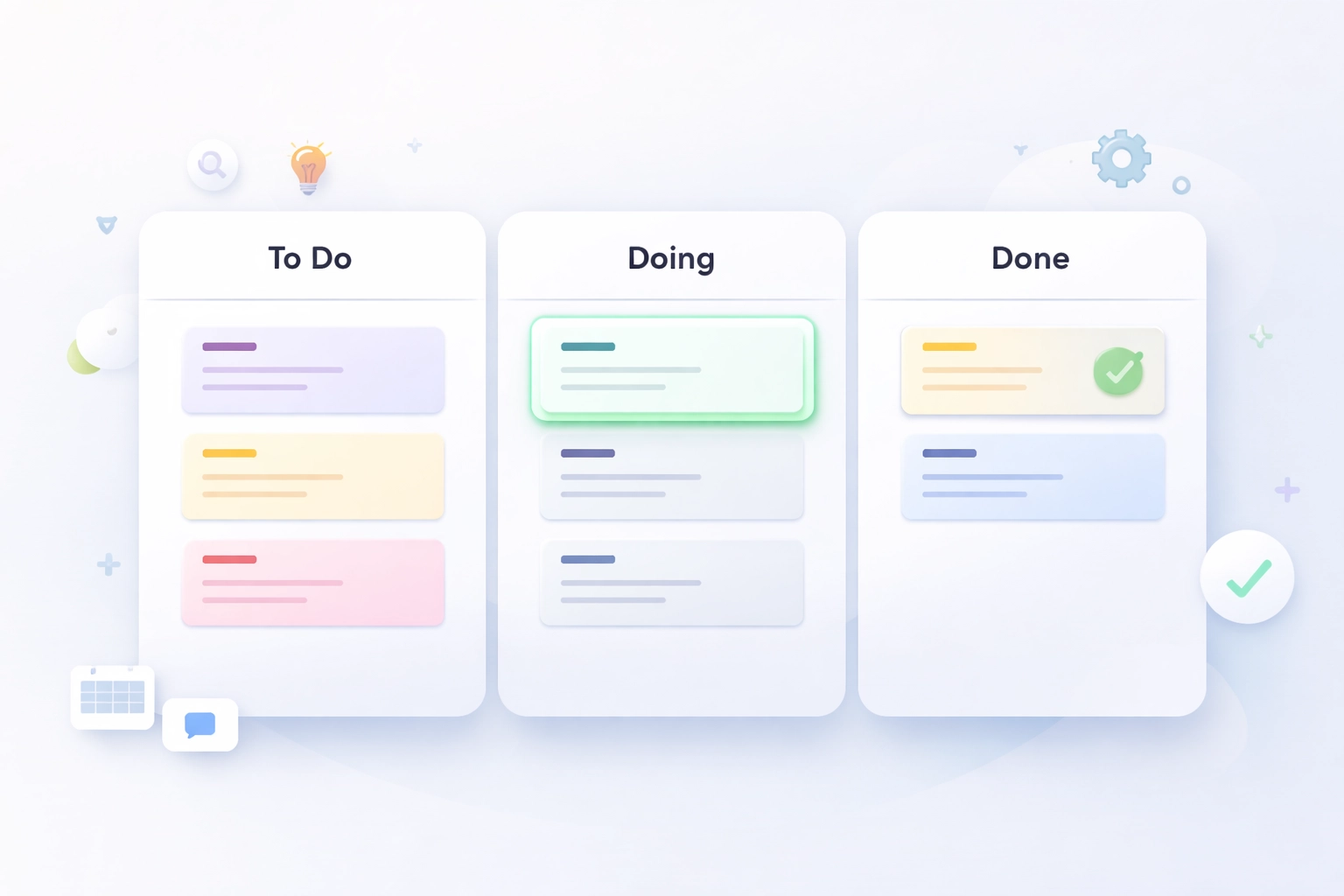
- You pick up a task from your board.
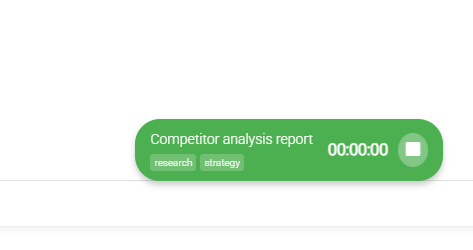
- You click the timer.
- You do the work.
- You stop the timer.
- That's it.
The time is automatically attached to the task, the project, and the client. No spreadsheet. No guesswork. No Friday afternoon panic.
"Start timer. Do the work. Stop timer. That's the whole system."
Because the timer lives right where the work happens, your team doesn't need to change their habits. They just click a button. The friction is so low that people actually use it.
And when tracking is easy, something interesting happens: you capture more billable hours. Not by padding, by simply not forgetting. Those ten-minute tasks that used to slip through the cracks? They're logged now. And they add up.
Automatic Reporting for Client Billing
Tracking time is only half the battle. The other half is turning that data into invoices without losing your mind.
"If you're manually copying hours into invoices, you're doing unpaid admin work every single week."
With Task Board's time reports, you can pull a breakdown of hours by client, project, team member, or tag, in seconds. Need to see how much time went into "design" versus "strategy" this month? Done. Want to compare estimated hours against actual? Easy.
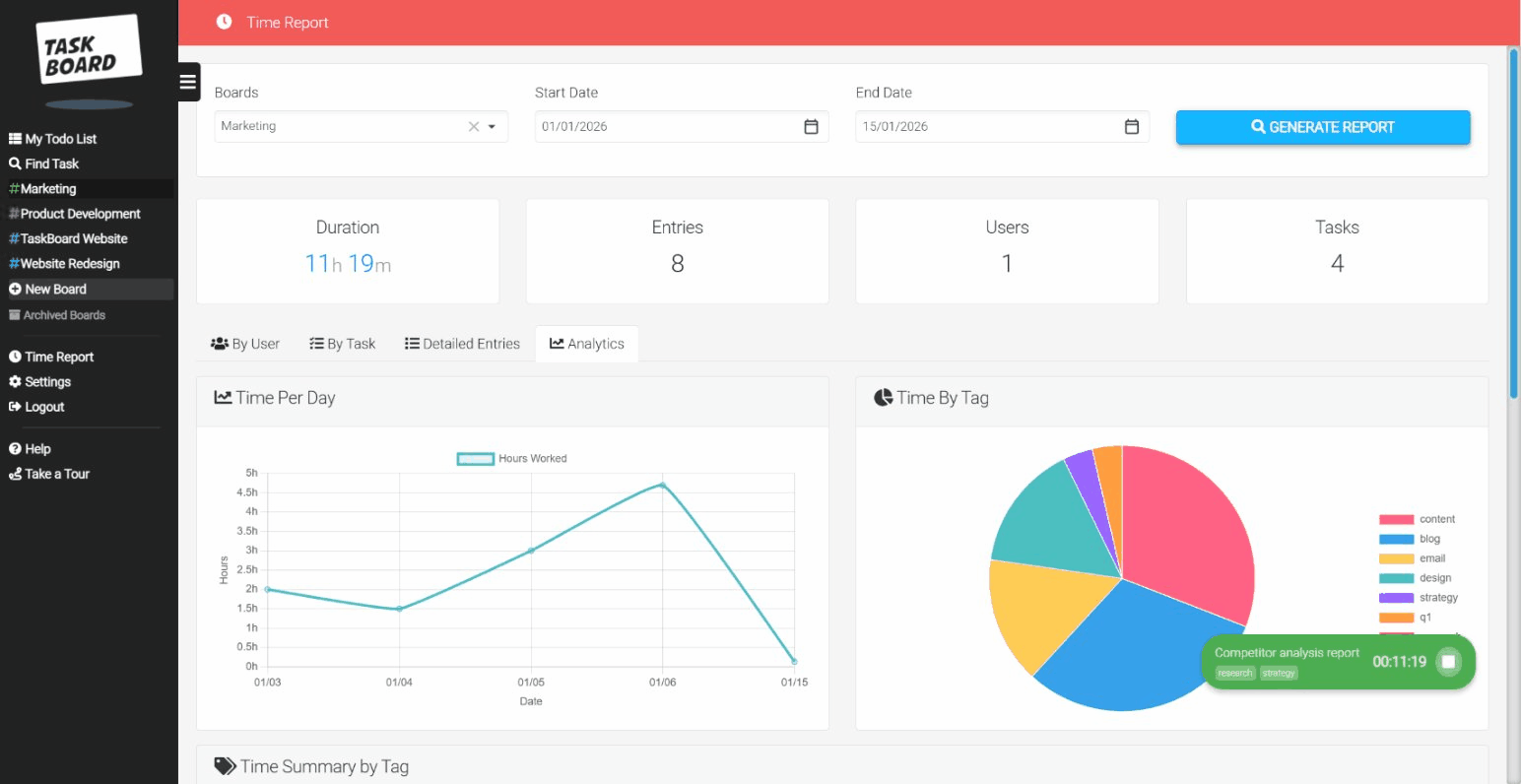
Here's what that means for your billing workflow:
- No more chasing timesheets. The data's already there, logged in real time.
- No more manual calculations. Filter by client, export, and you've got your billable hours ready.
- No more "where did the time go?" conversations. You can show clients exactly what they're paying for, broken down by task.
This kind of transparency doesn't just save you time, it builds trust with clients. When they can see the work, they're less likely to question the bill.
The Billable Hours Sanity Checklist
Before you overhaul your entire time tracking setup, here's a quick gut-check. If you can tick all of these, you're in good shape. If not, it might be time for a change.
"Good time tracking shouldn't require discipline. It should require one click."
✅ Can your team start a timer in under 3 seconds?
If it takes longer, they won't do it consistently.
✅ Is time attached to tasks automatically?
If someone has to manually assign hours to projects, errors will creep in.
✅ Can you pull a client report in under a minute?
If reporting takes longer than the meeting it's for, something's wrong.
✅ Do you know, right now, which projects are over budget?
Real-time visibility prevents nasty surprises.
✅ Is your time data in the same place as your task data?
If you're juggling two systems, you're doubling your admin.
✅ Can a new team member figure it out in five minutes?
Complexity kills adoption. Keep it simple.
The Bottom Line
Agencies lose thousands in unbilled hours every year, not because the work isn't happening, but because it's not being captured.
The fix isn't "be more disciplined about timesheets." The fix is removing the friction entirely.
"You don't need a better spreadsheet. You need a system that tracks time without you thinking about it."
Task Board puts time tracking exactly where it belongs: inside your workflow, attached to your tasks, visible in real time. No Friday afternoon scramble. No spreadsheet chaos. No lost revenue.
Just simple, accurate, billable hours: captured while you work.
Start your free trial and see how much time you've been leaving on the table.