You signed up for that shiny new project management tool because it promised to do everything. Custom workflows. Automation rules. Gantt charts. Dependencies. Dashboards. AI-powered insights. A hundred integrations.
Three months later, your team still can't figure out where to find the "simple task list" view. And somehow, you're spending more time managing the tool than managing actual work.
Welcome to feature fatigue. It's real, it's widespread, and it's probably costing your team hours every single week.
What is Feature Fatigue, Really?
Feature fatigue is what happens when a product has so many options that users become overwhelmed, frustrated, and, here's the kicker, slower at getting things done.
It's counterintuitive. More features should mean more capability, right? More power. More flexibility.
But that's not how human brains work.
There's a principle called Hick's Law: the more options you have, the longer it takes to choose one. Every extra button, toggle, dropdown, and setting in your project management tool adds milliseconds to every decision. And those milliseconds add up, fast.
"More features should mean more power. But every extra button adds friction to every decision."
Think about the last time you opened ClickUp or Monday.com. How long did it take you to remember where that one setting was? How many clicks to create a simple task? How many "views" did you scroll past before you found the one you actually use?
That's feature fatigue in action.
The Four Stages of Feature Fatigue (And Why Teams Get Stuck)
Feature fatigue doesn't hit you all at once. It sneaks up on you. Here's how it usually plays out:
Stage 1: The Honeymoon
You're excited. The demo looked amazing. Look at all these features! Surely this tool will solve all your problems. You sign up your whole team.
Stage 2: The Confusion
Everyone's asking questions. "Where do I find my tasks?" "What's the difference between a project and a workspace?" "Why are there four different ways to set a due date?" You start writing internal documentation just to use the tool.
Stage 3: The Frustration
The difficulty is outweighing the benefits. Half your team has stopped using the tool properly. Some are back to sticky notes. Others are using it "their way," which doesn't match anyone else's way. Reporting is a mess.
"Half your team has stopped using the tool properly. Some are back to sticky notes."
Stage 4: The Abandonment
You're either using 10% of the features (and paying for 100%), or you're shopping for something simpler. Again.
Sound familiar?
Why "Dead Simple" Beats "Feature-Rich" Every Time
Here's something the big project management tools don't want you to know: most teams don't need most features.
The average team needs to:
- See what needs doing
- Know who's doing it
- Track how long it takes
- Mark it done
That's it. Four things.
Everything else, custom automations, complex dependencies, resource levelling, portfolio views, is noise for 90% of teams. And that noise has a cost.
"The average team needs four things. Everything else is noise, and noise has a cost."
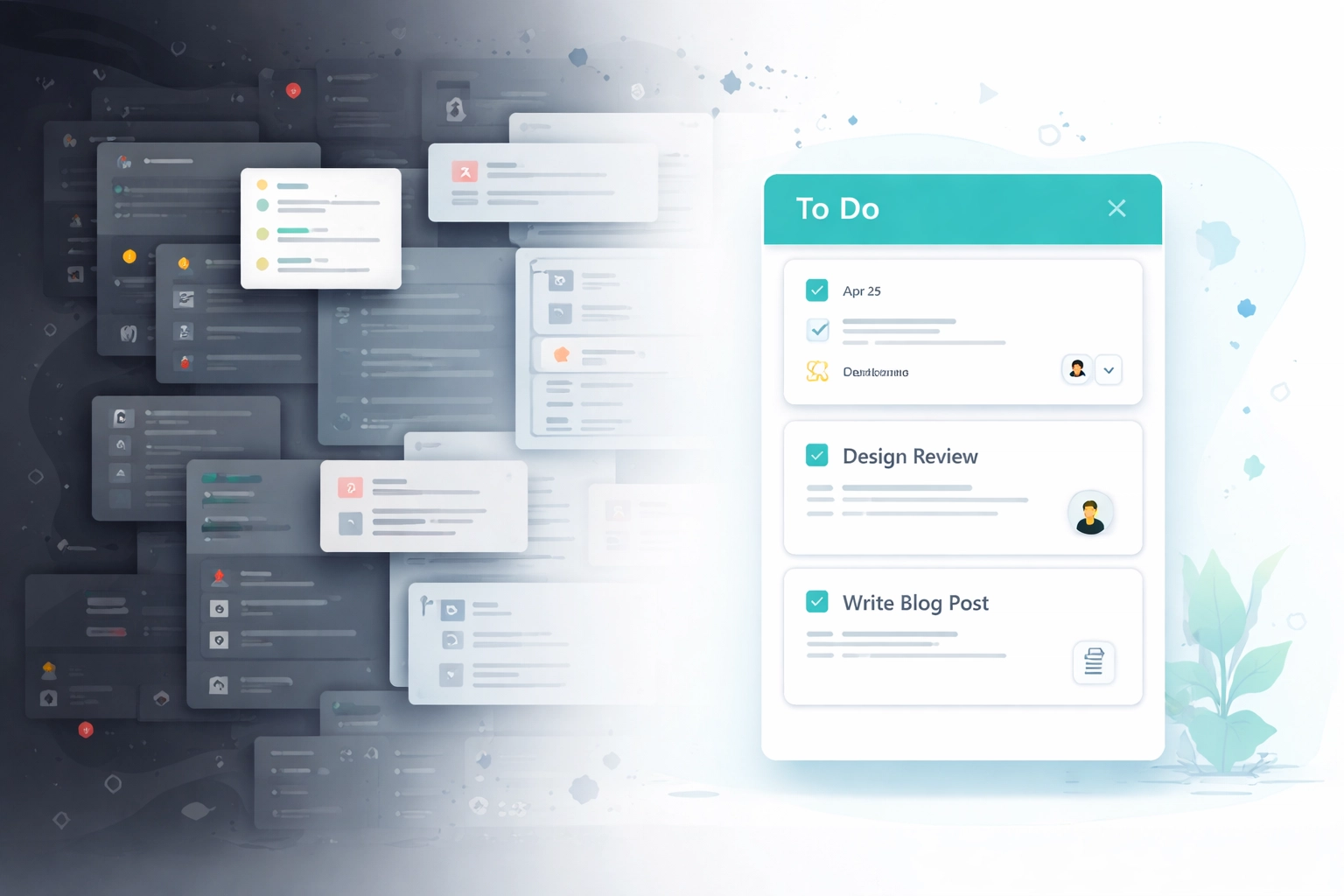
When your tool is cluttered with features you don't use, those features still get in the way. They're in your sidebar. They're in your settings. They're in the onboarding flow that takes two weeks instead of two hours.
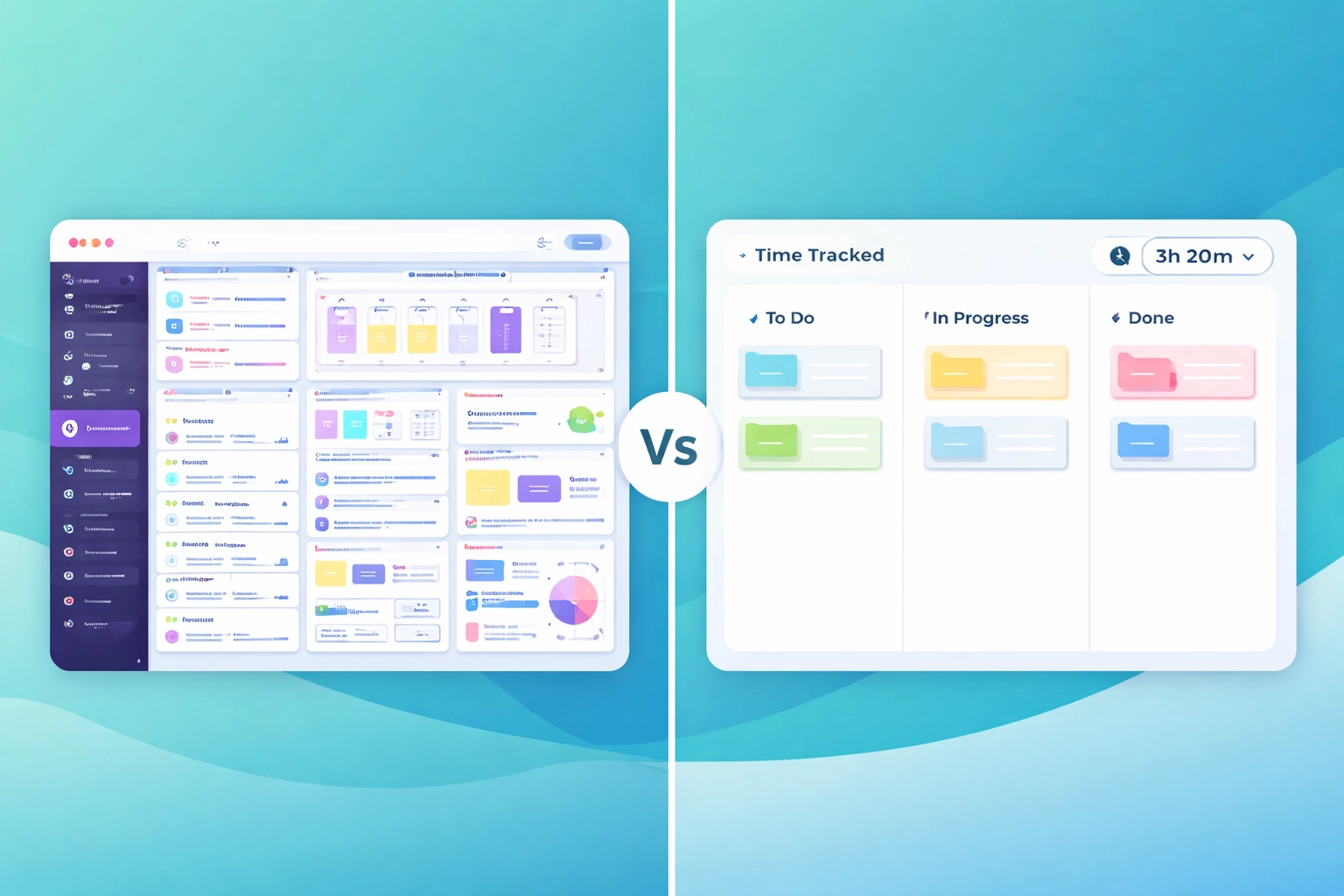
Simple tools let you get to work. Complex tools make you work just to get started.
How Task Board Avoids the Bloat
We built Task Board because we were tired of feature fatigue ourselves. We wanted a tool that does the basics brilliantly, and stays out of your way for everything else.
Here's what that looks like in practice:
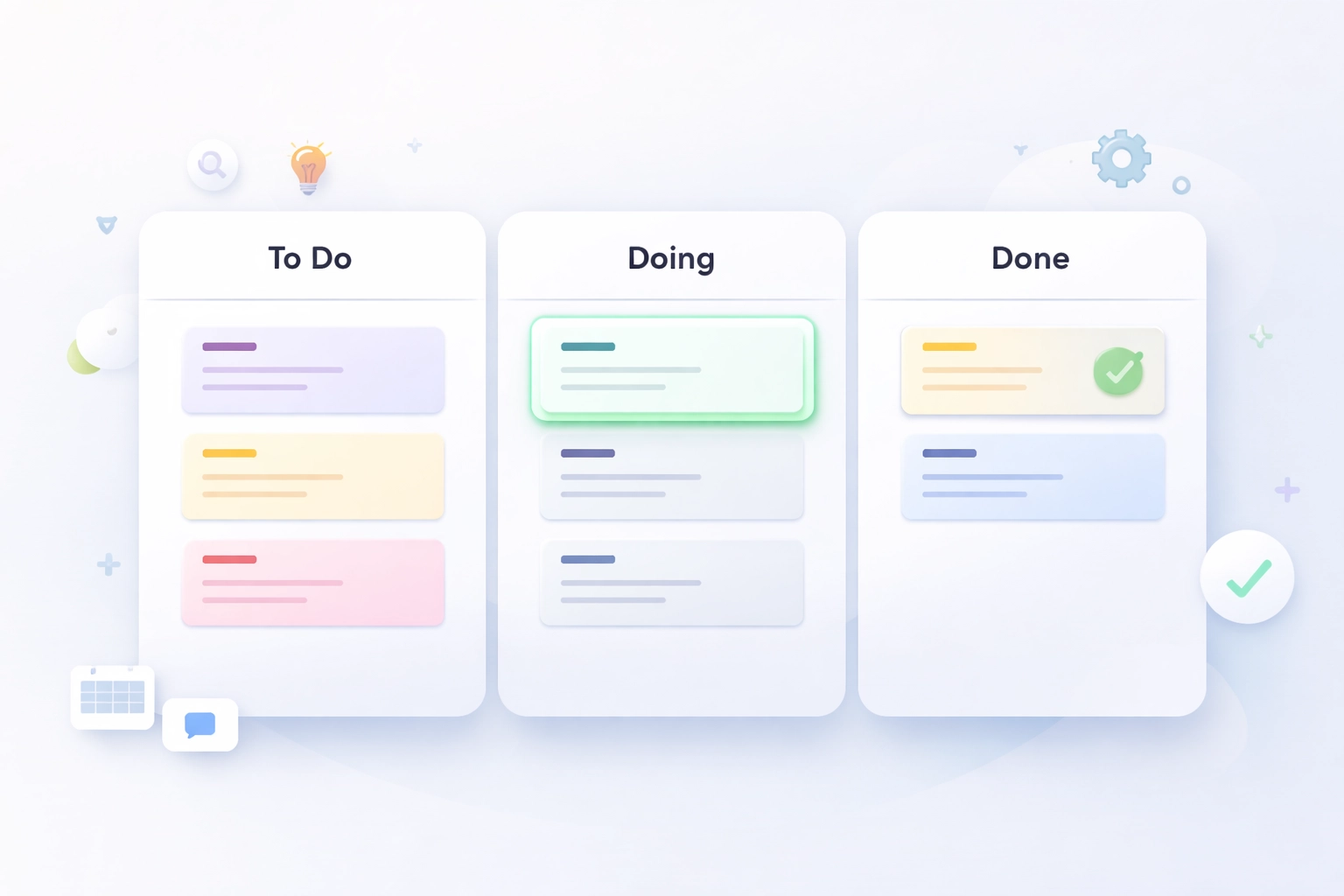
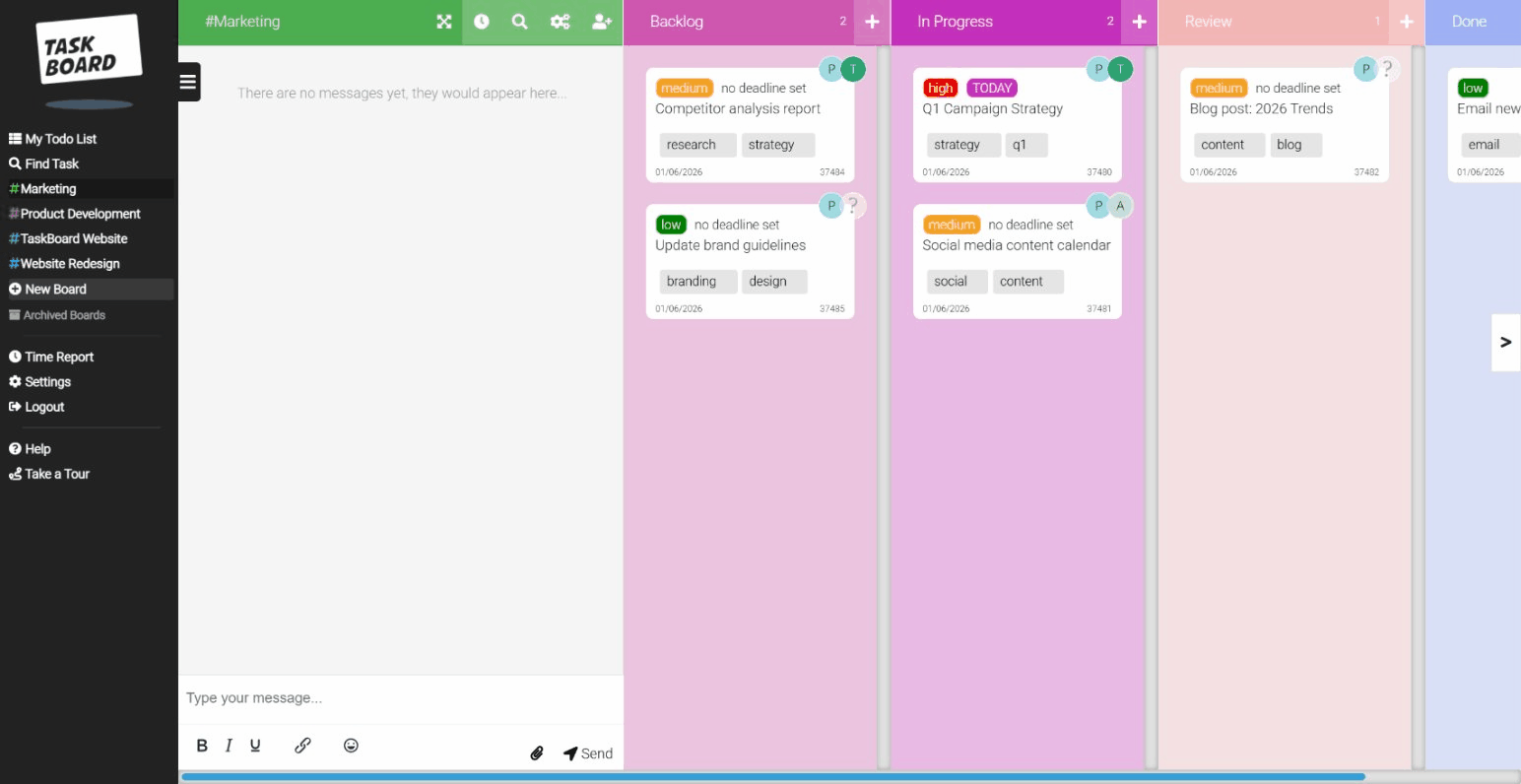
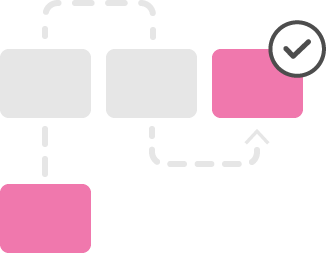
Boards, columns, cards. That's your task management. Drag a card from "To Do" to "Done." No training required.
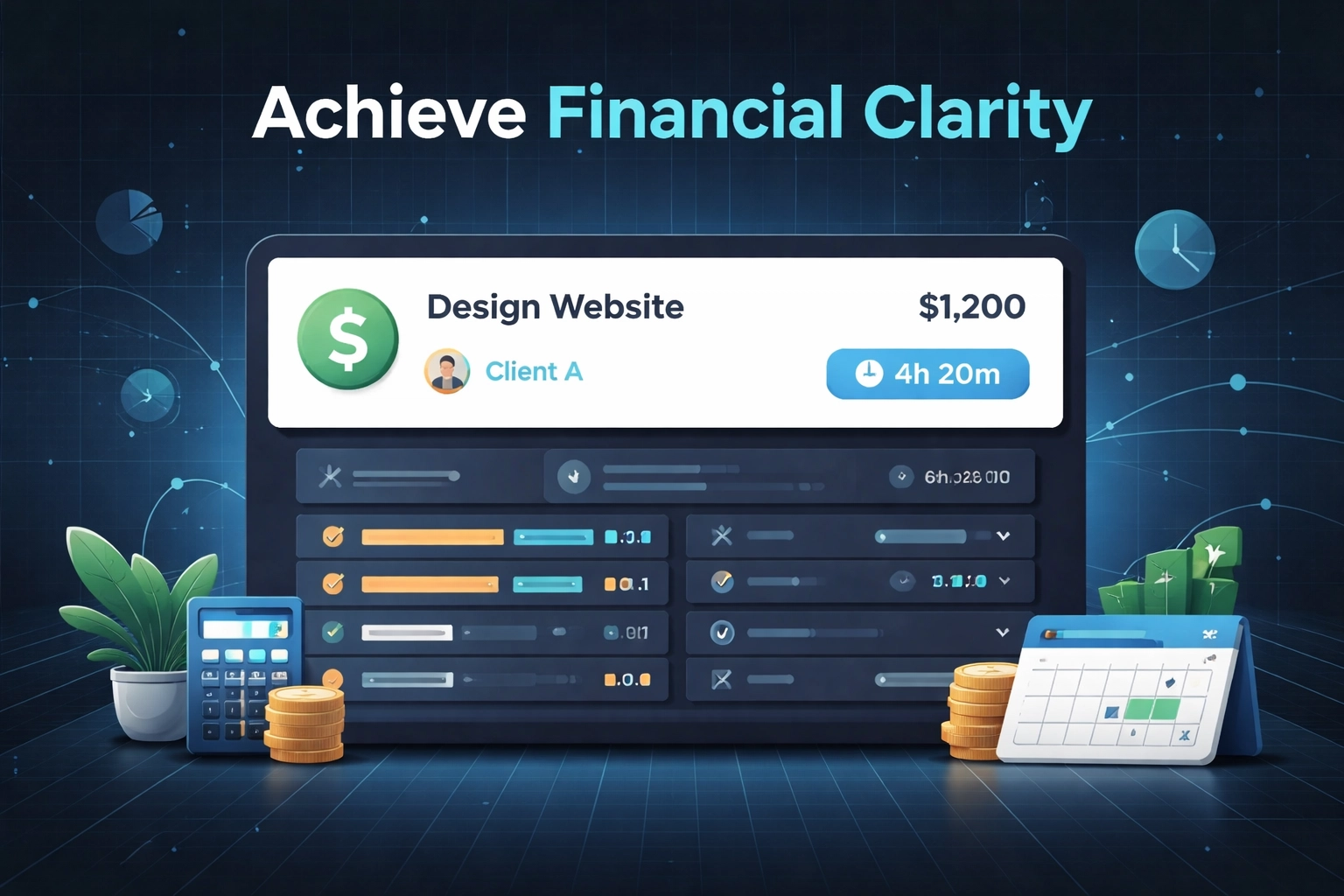
Built-in time tracking. Click start. Do the work. Click stop. Your hours are logged. No separate app, no browser extension, no forgetting to track.
Reports that make sense. See where time went. Export it. Send it to your client. Done.
"Click start. Do the work. Click stop. That's your time tracking, no separate app required."
We're not saying complex tools are bad. If you're running a 500-person engineering department with dependencies across twelve teams, you probably need Jira. We get it.
But if you're a team of 10-50 people who just want to get work done without a two-week onboarding program? That's who we built this for.
The Checklist: Is Your Current Tool Too Complicated?
Not sure if you're suffering from feature fatigue? Here's a quick diagnostic:
☐ Onboarding takes more than a day. If new team members need training sessions to use your task tool, it's too complicated.
☐ You've written internal docs for a SaaS product. You shouldn't need a wiki page explaining how to use your project management software.
☐ Different team members use it differently. If there's no consistent workflow because the tool allows for too many, you've got a problem.
☐ You're paying for features you've never opened. Look at your plan. Count the features you actually use. Feel slightly sick.
☐ Simple tasks take multiple clicks. Creating a task shouldn't require navigating three menus.
☐ You've considered hiring a "tool admin." If your project management tool needs a full-time manager, the tool has become the project.
"If your project management tool needs a full-time manager, the tool has become the project."
If you ticked three or more of those boxes, it might be time to simplify.
The Hidden Costs of Complexity
Feature fatigue isn't just about annoyance. It has real business costs:
Context switching. Every time someone has to stop and figure out the tool, they lose focus on actual work. Studies suggest it takes over 20 minutes to regain deep focus after an interruption.
Training and support. Complex tools require training. Training costs time and money. And when the tool updates (which they do, constantly), you need to retrain.
Inconsistent data. When people use tools differently, or avoid them altogether, your reporting becomes useless. You can't make good decisions with bad data.
Team friction. Nothing kills morale faster than tools that make simple things hard. "Why is this so complicated?" shouldn't be a daily question.
"Nothing kills morale faster than tools that make simple things hard."
The Simplicity Advantage
Companies that do one thing well tend to outperform those that do many things poorly. The same applies to your tools.
A simple tool that your whole team actually uses will always beat a complex tool that only the project manager understands.
When evaluating any project management software, including Task Board, ask yourself:
- Can a new team member figure this out in under an hour?
- Does it do the three things we actually need?
- Will it get out of our way so we can do real work?
If the answer is yes, you've probably found your tool.
If the answer is "well, it has a lot of potential once we configure it properly": run.
Ready to Escape Feature Fatigue?
We're not going to pretend Task Board is for everyone. If you need enterprise resource planning, complex automations, or custom fields for forty different data points, we're not your tool.
But if you want simple Kanban boards, built-in time tracking, and a tool your team will actually use? Give us a look.
No training required. No feature overwhelm. Just a task board that gets out of your way.