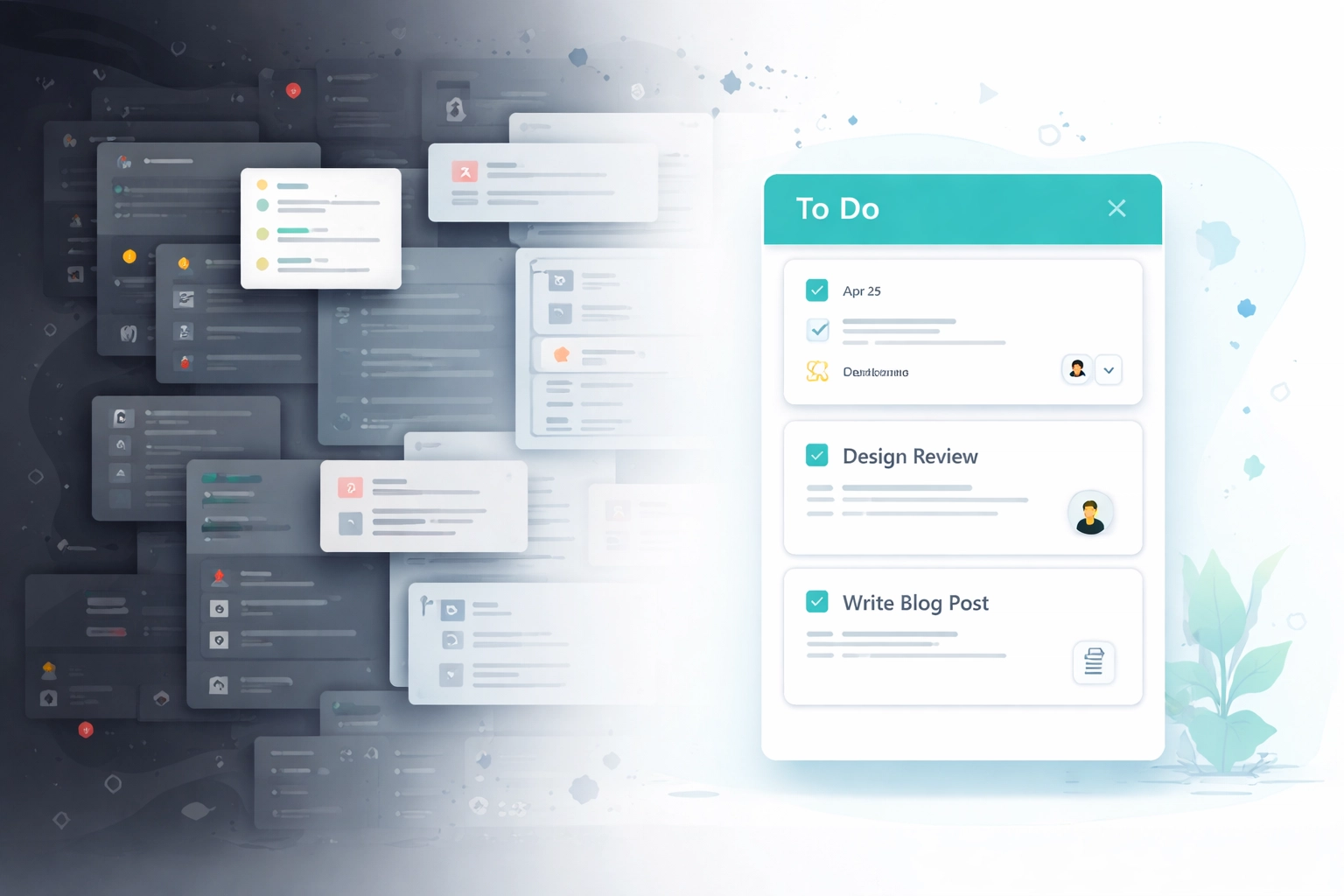
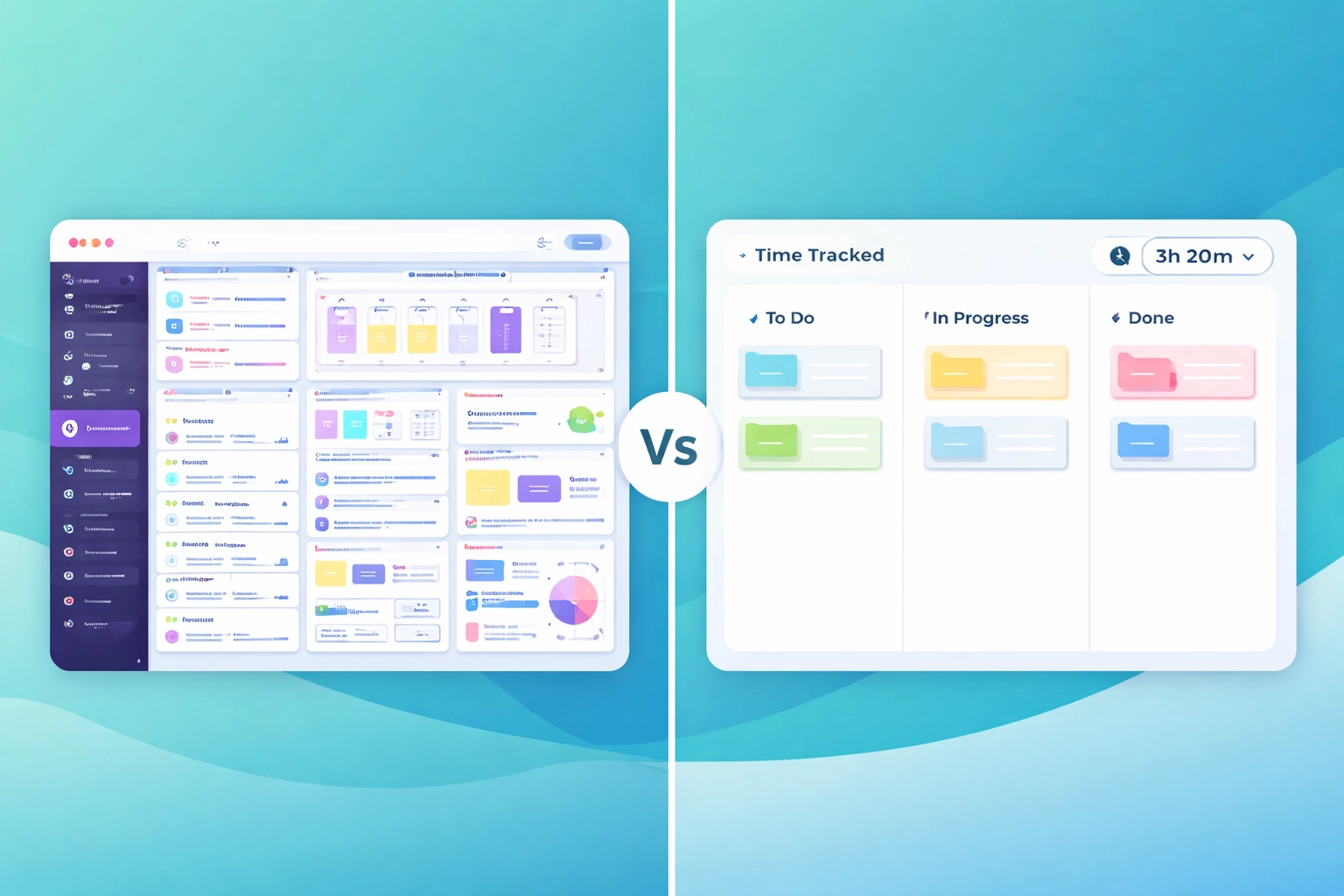
There's a strange assumption in project management software: more features equal more value. Somewhere along the way, we started believing that a tool isn't "serious" unless it has 47 views, custom automations, and a learning curve that requires dedicated training sessions.
But here's the thing: most teams don't need all that. They need to see what's being worked on, who's doing it, and how long it's taking. That's it.
"Most teams don't need 47 views and custom automations. They need to see what's being worked on, who's doing it, and how long it's taking."
We built Task Board because we were tired of tools that felt like they were designed for enterprise consultants, not actual teams trying to get work done. But we're not here to trash the competition: Trello, Asana, and ClickUp are all solid tools. They're just built for different problems than the ones most small-to-medium teams actually have.
Let's break it down honestly.
Trello: Simple, But You'll Need Add-Ons
Trello deserves credit. It popularised the Kanban board for a reason: it's visual, intuitive, and you can get started in about thirty seconds. For personal projects or tiny teams, it's genuinely great.
The problem comes when you need anything beyond basic task cards.
Want time tracking? You'll need a Power-Up like Clockify or Toggl. Want better reporting? Another Power-Up. Want automations? Butler works, but it's limited on the free plan.
Before you know it, you're managing a Frankenstein stack of integrations just to answer the question: "How long did we spend on that client project last month?"
"With Trello, you're one Power-Up away from solving your problem: and three Power-Ups away from a confusing mess."
For a 10-person team, Trello Premium costs around $10/user/month. Add Clockify's team plan at $5-7/user, and you're looking at $150-170/month: plus the mental overhead of switching between tools constantly.
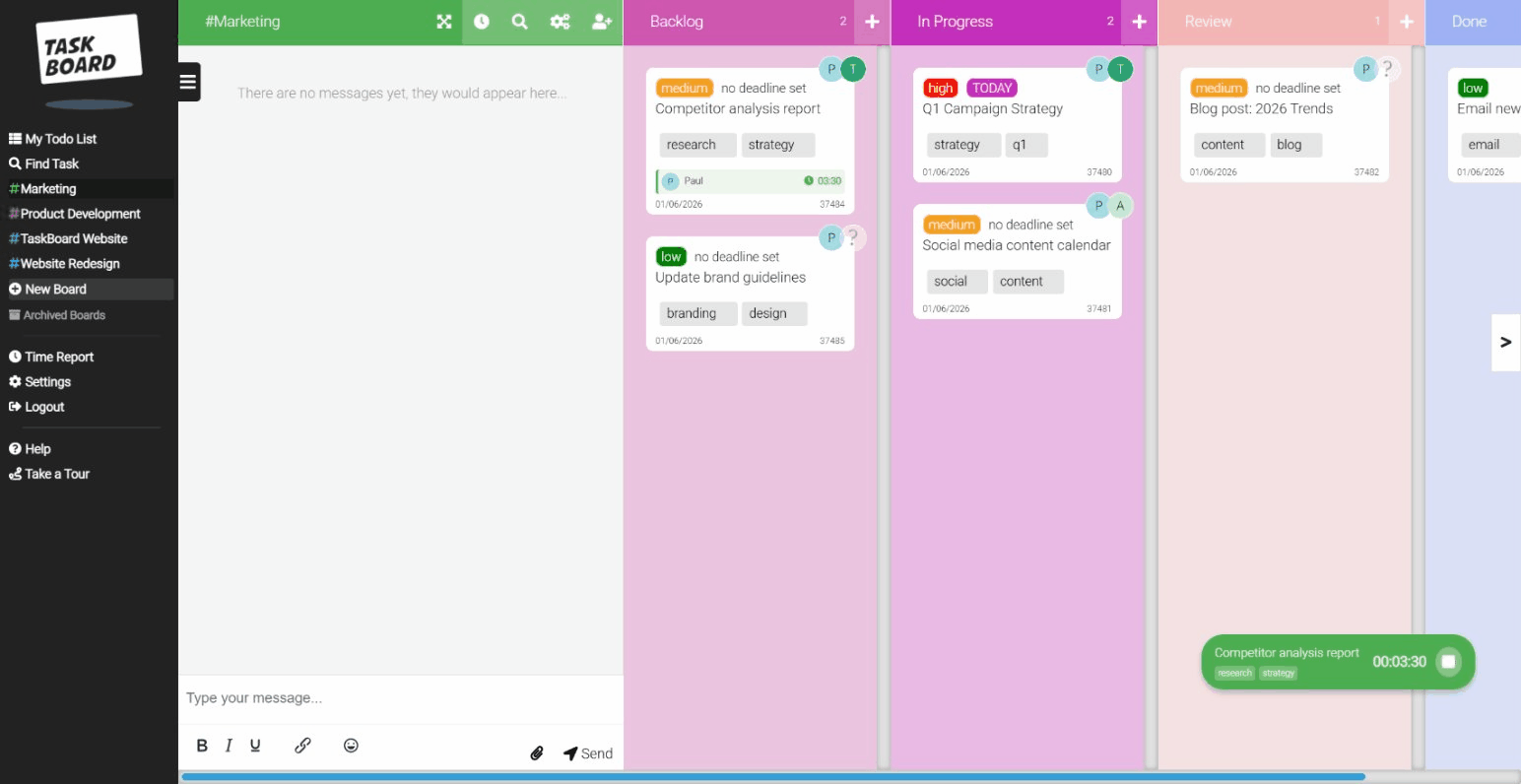
Task Board includes time tracking out of the box. No integrations, no extra subscriptions. $15/user, everything included.
Asana: Powerful, But At What Cost?
Asana is a serious tool. The timeline view is beautiful. The workload management is genuinely useful for larger teams. If you're running complex projects with dozens of dependencies, it can handle that.
But let's talk about pricing.
Asana's free tier is fine for up to 10 people, but the moment you need timeline views, custom fields, or advanced reporting: features most growing teams need: you're looking at $10.99/user/month for Starter, or $24.99/user for Advanced.
For a 15-person team on the Advanced plan? That's $375/month. And you still don't get built-in time tracking.
"Asana is brilliant if you need enterprise-grade project management. But most teams paying enterprise prices don't have enterprise problems."
We're not saying Asana isn't worth it for the right team. If you're coordinating across multiple departments with complex dependencies, it's a solid choice. But if you're a 10-50 person team that just needs boards, tasks, and time tracking without the overhead? You're probably paying for features you'll never touch.
ClickUp: Everything, All At Once
ClickUp's pitch is compelling: "One app to replace them all." And technically, that's true. ClickUp can do docs, whiteboards, goals, time tracking, chat, dashboards: the list goes on.
The problem? It can do everything, which means it takes forever to figure out what you actually need.
We've talked to teams who spent weeks setting up their ClickUp workspace, only to realise half the team was still using sticky notes because the tool felt overwhelming. There's a reason "ClickUp tutorial" returns millions of YouTube results: it's not exactly intuitive.
"A tool that can do everything often means a tool where nobody knows where anything is."
ClickUp does include time tracking, which is great. But it's buried in a maze of features that most small teams simply don't need. And while their free plan is generous, the moment you need guests, permissions, or decent support, you're on a paid plan anyway.
If your team loves tinkering with systems and building elaborate workflows, ClickUp might genuinely excite you. But if you just want to drag cards across columns and track time without a training manual? It's overkill.
Where Task Board Fits
We're not trying to be the "everything app." We're trying to be the "actually useful without a consultant" app.
Task Board does three things well:
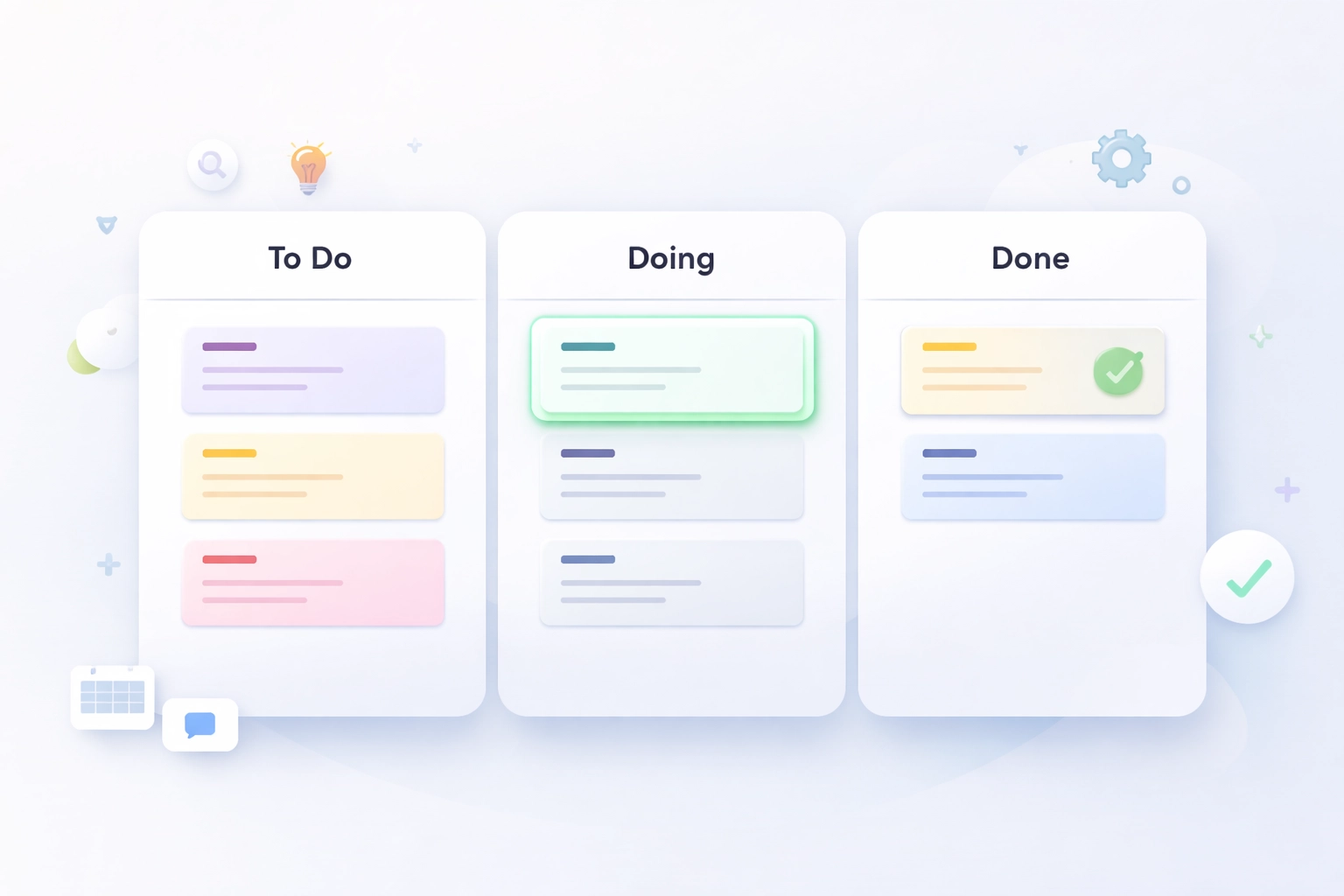
- Kanban boards – Drag cards, organise columns, see your work at a glance.
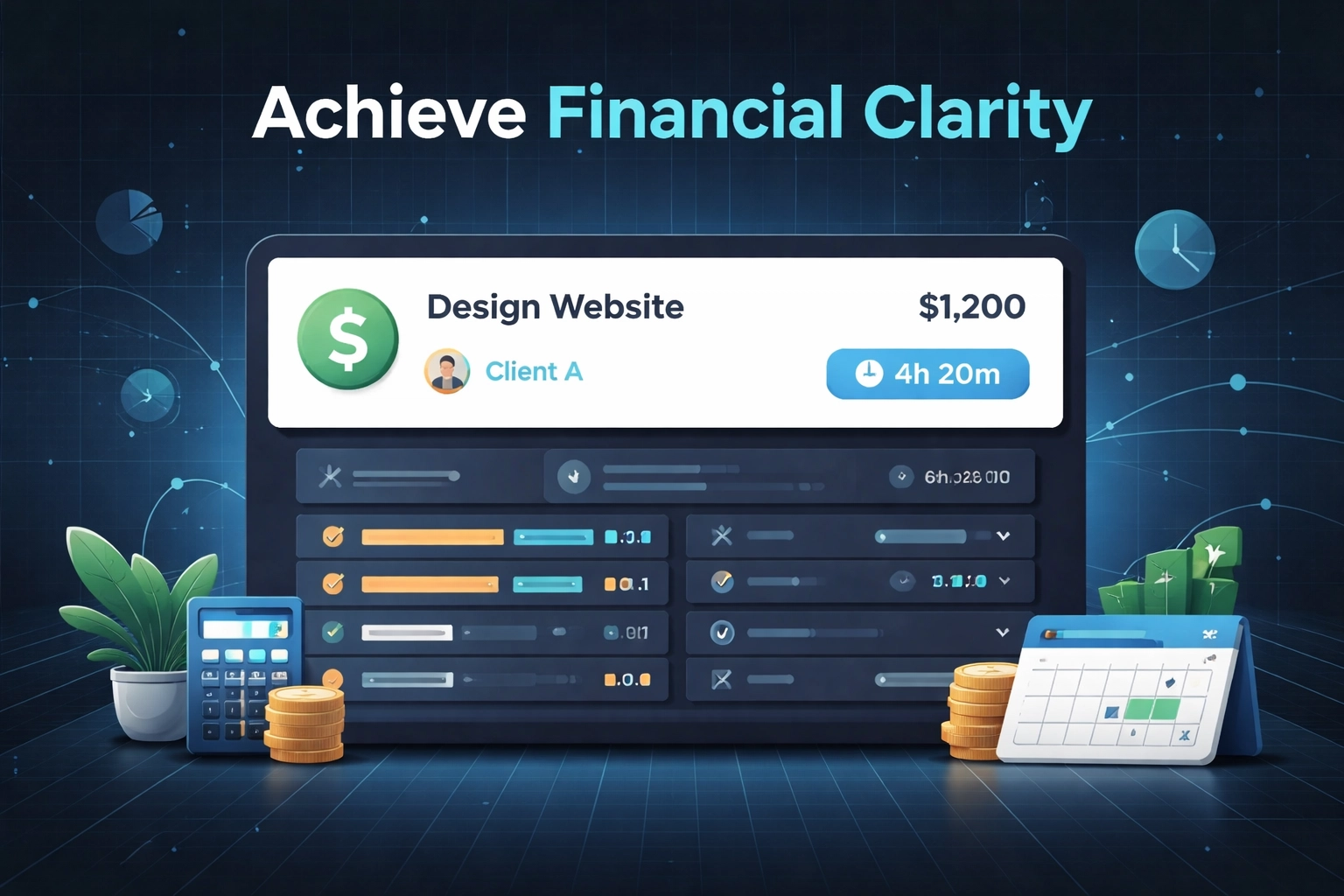
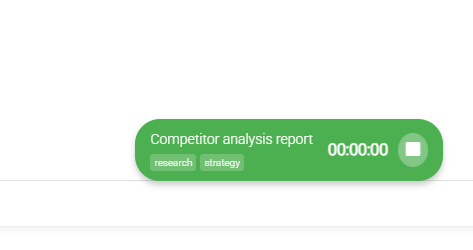
- Built-in time tracking – Start timer, work on task, stop timer. That's it.
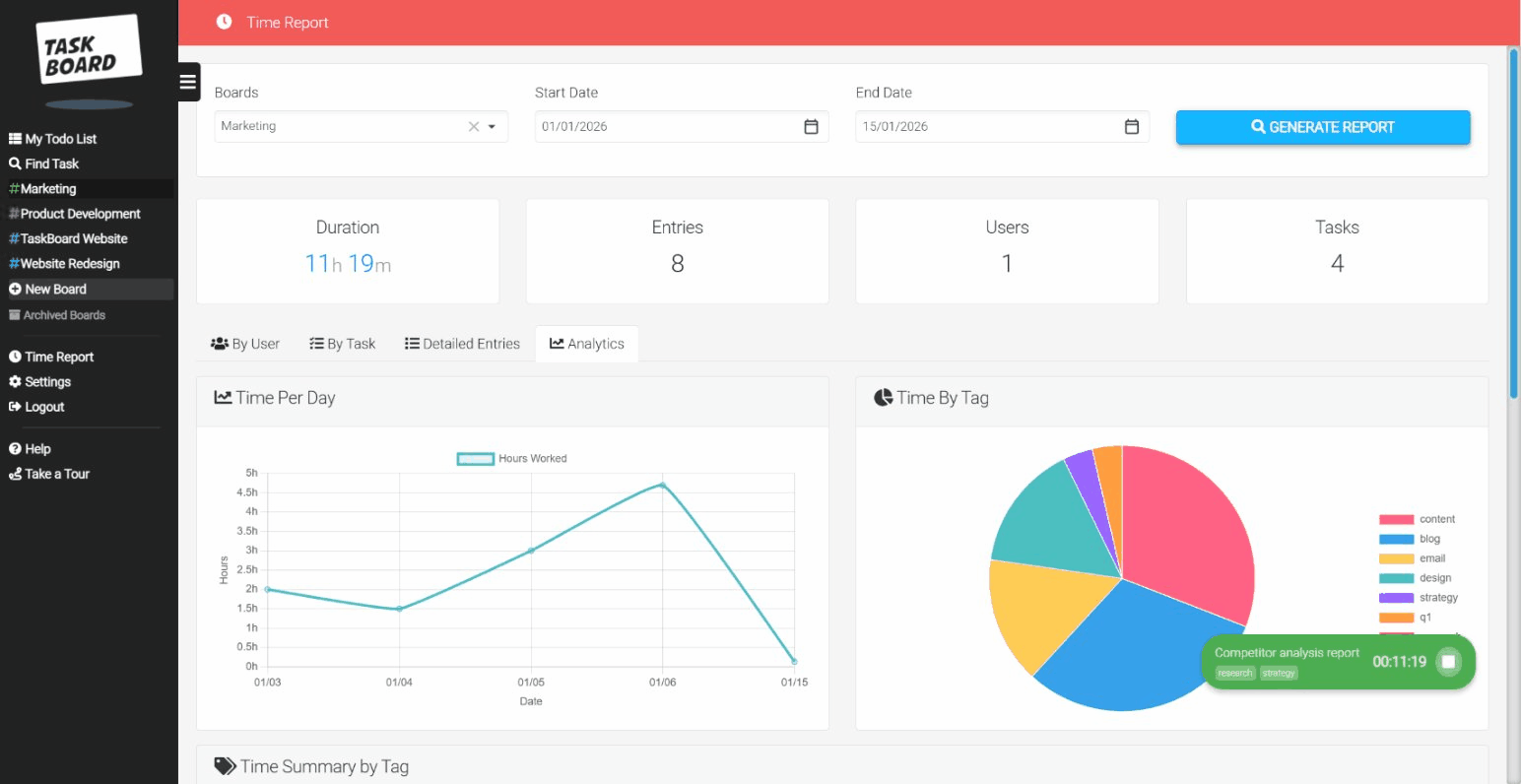
- Simple reporting – See where time went without building custom dashboards.
That's the product. No whiteboards, no docs, no goal trees. Just the stuff teams actually use every day.
"We're not the everything app. We're the 'actually useful without a consultant' app."
Pricing is $15/user/month. No tiers, no feature gates, no "contact sales." Everyone gets everything.
For agencies tracking billable hours, this matters. For remote teams who need visibility without complexity, this matters. For any team that's tired of paying for features they don't use, this matters.
5 Signs You're Ready to Switch
Not sure if Task Board is right for you? Here are five signs your current tool isn't working:
1. You're Paying for Two Tools That Should Be One
If you're running Trello plus Clockify, or Asana plus Harvest, you're paying twice and context-switching constantly. Built-in time tracking isn't a luxury: it's basic functionality.
2. Half Your Team Doesn't Use the Tool
When a project management tool is too complex, people route around it. They use Slack, email, or sticky notes instead. If adoption is a constant battle, the tool is the problem.
"If half your team ignores your project management tool, the tool is the problem: not your team."
3. You Needed a 'Setup Project' to Set Up Your Tool
If configuring your task management software required its own task management, something's wrong. You should be able to start working in minutes, not weeks.
4. You're Paying for Features You've Never Clicked
Open your current tool's settings. Count how many features you've literally never used. If it's more than half, you're subsidising complexity you don't need.
5. Reporting Feels Like a Research Project
Pulling a simple "hours per client" report shouldn't require custom fields, filtered views, and a YouTube tutorial. If basic questions require advanced workarounds, it's time to simplify.
"Pulling a 'hours per client' report shouldn't require a YouTube tutorial."
The Bottom Line
Trello is great until you need time tracking. Asana is powerful until you check the invoice. ClickUp does everything until your team gives up trying to find anything.
Task Board won't win awards for having the most features. We're fine with that. We'd rather win by being the tool your team actually uses: every day, without training, without frustration.
"We'd rather be the tool your team actually uses than the tool with the longest feature list."
If you're a team of 10-50 people who needs Kanban boards, time tracking, and clear reporting without the overhead, give us a look. No credit card required, no sales calls, no 47-feature onboarding sequence.
Just boards, timers, and work that actually gets done.