You've got Trello open in one tab. Clockify in another. Maybe a spreadsheet somewhere for good measure. Sound familiar?
You're not alone. Thousands of teams run this exact setup every single day. And every single day, they lose time, miss entries, and wonder why their "simple" workflow feels like a second job.
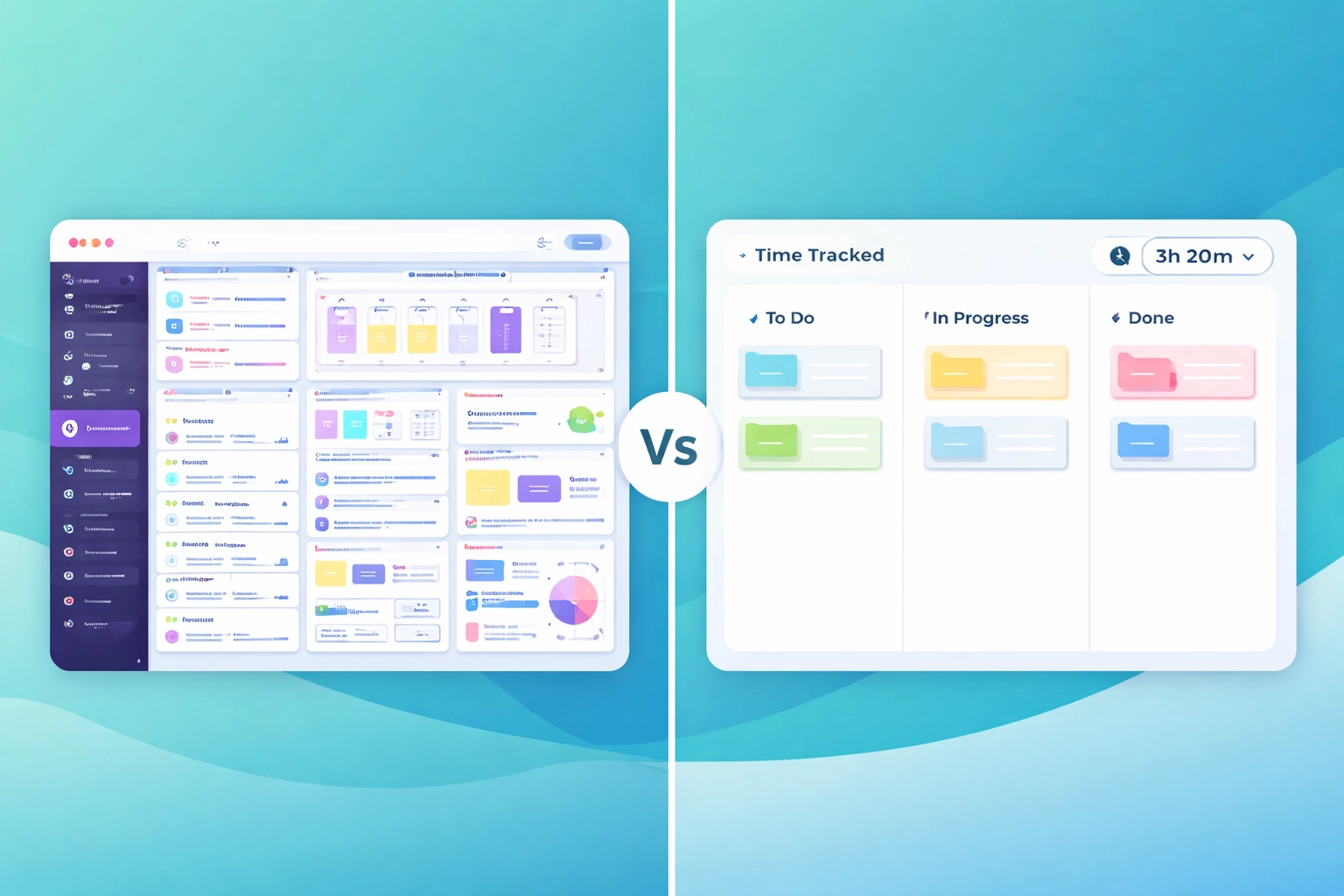
Here's the thing: these tools are genuinely good at what they do. Trello's a solid simple kanban board. Clockify tracks time just fine. But mashing them together? That's where things start to fall apart.
Let's talk about why, and what you can do about it.
The Real Cost of Tool-Juggling
We get it. You didn't set out to build a Frankenstein workflow. It just... happened. You needed tasks, so you grabbed Trello. Then someone asked "how long did that take?" and suddenly you're installing browser extensions and hoping everyone remembers to hit "start."
"Every time you switch tabs, you're not just losing seconds, you're losing focus."
Context switching is expensive. Studies suggest it can take over 20 minutes to fully refocus after an interruption. Now multiply that by every time someone has to hop between their task board and their time tracker.
That's not a minor inconvenience. That's hours per week, per person, evaporating into thin air.
And it's not just about time. It's about accuracy. When tracking happens in a separate tool, it's easy to forget. Easy to round up. Easy to lose entire blocks of work because you got pulled into a meeting and never hit "stop."
"If your team has to remember to track time, they won't. Simple as that."
The "Classic" Messy Setup (And Why It Breaks)
Let's paint the picture. Here's what we see all the time:
- Trello for tasks and boards
- Clockify (or Toggl, or Harvest) for time tracking
- Google Sheets for reporting, because neither tool talks to the other properly
- Slack for chasing people who forgot to log their hours
It works. Kind of. Until it doesn't.
The cracks start showing when you need to answer basic questions like:
- How long did we actually spend on that client project?
- Who's overloaded this week?
- Are we billing enough hours to stay profitable?
With fragmented tools, you're stitching together data from three different places. And if someone forgot to log time on Tuesday? Good luck.
"Your workflow shouldn't require a detective to figure out where the hours went."
Yes, there are integrations. Clockify has a browser extension that adds a timer button to Trello cards. But you're still running two systems, two logins, two places where things can go wrong. It's a band-aid, not a fix.
What "One Tool" Actually Means
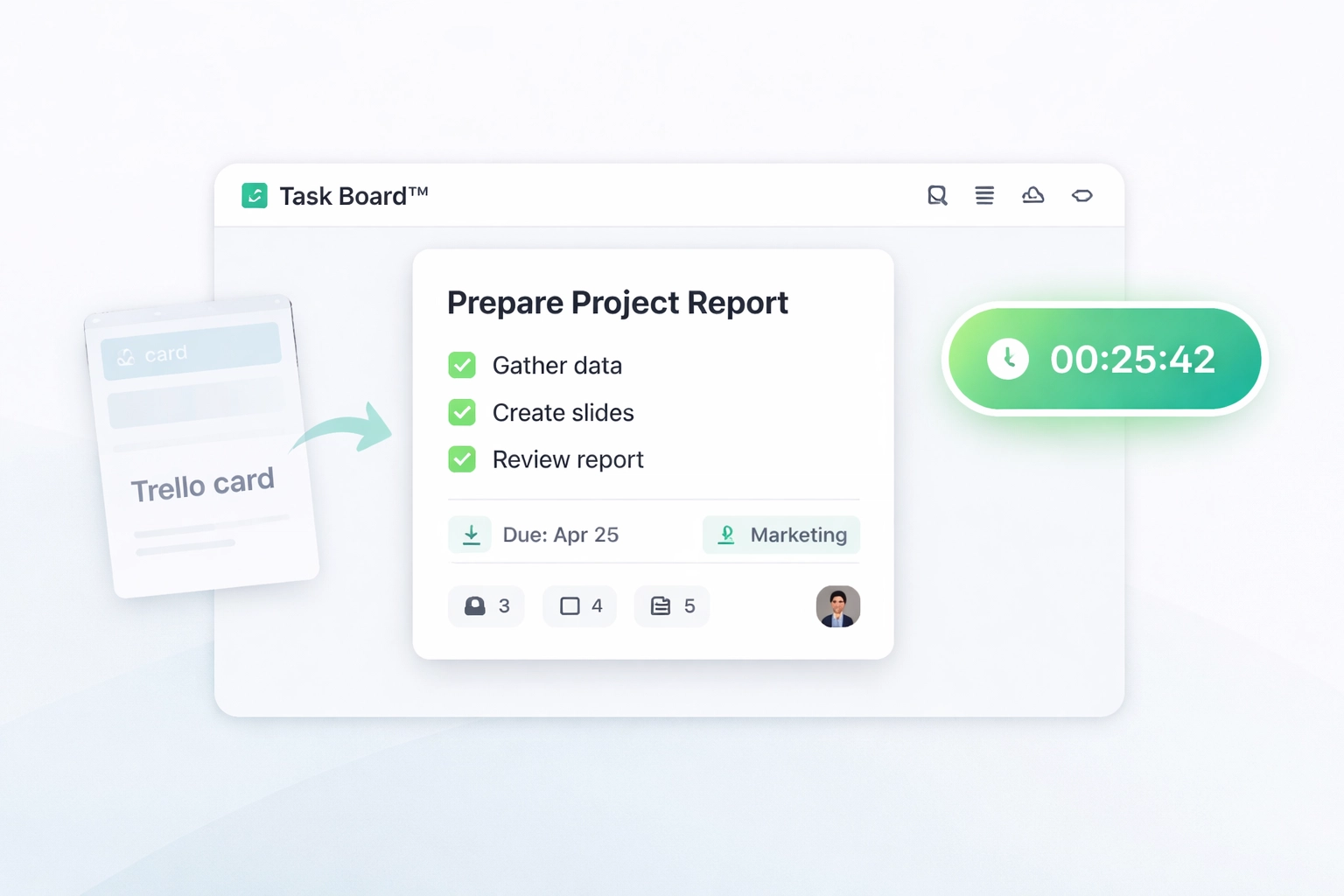
When we say Task Board™ combines task tracking and time management, we mean it's built that way from the ground up. Not bolted on. Not integrated. Built in.
Here's what that looks like in practice:
- You see a task on your board
- You click the timer
- You work
- You stop the timer
- Done
No switching tabs. No remembering to open another app. No syncing issues.
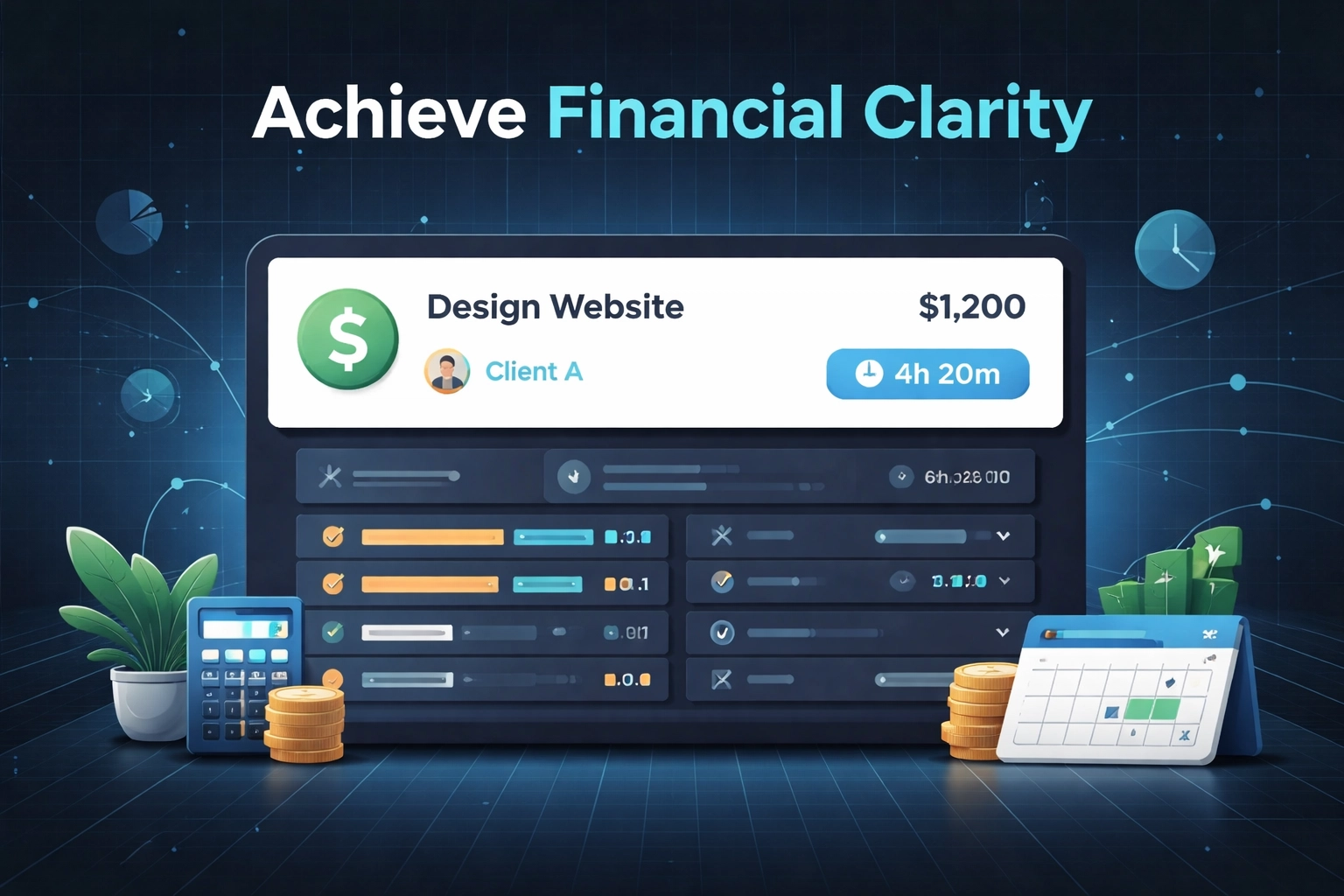
Your time entries are automatically tied to the task, the project, and the person. When it's time to run a report, everything's already there. No spreadsheet archaeology required.
"Start timer. Work on task. Stop timer. That's it."
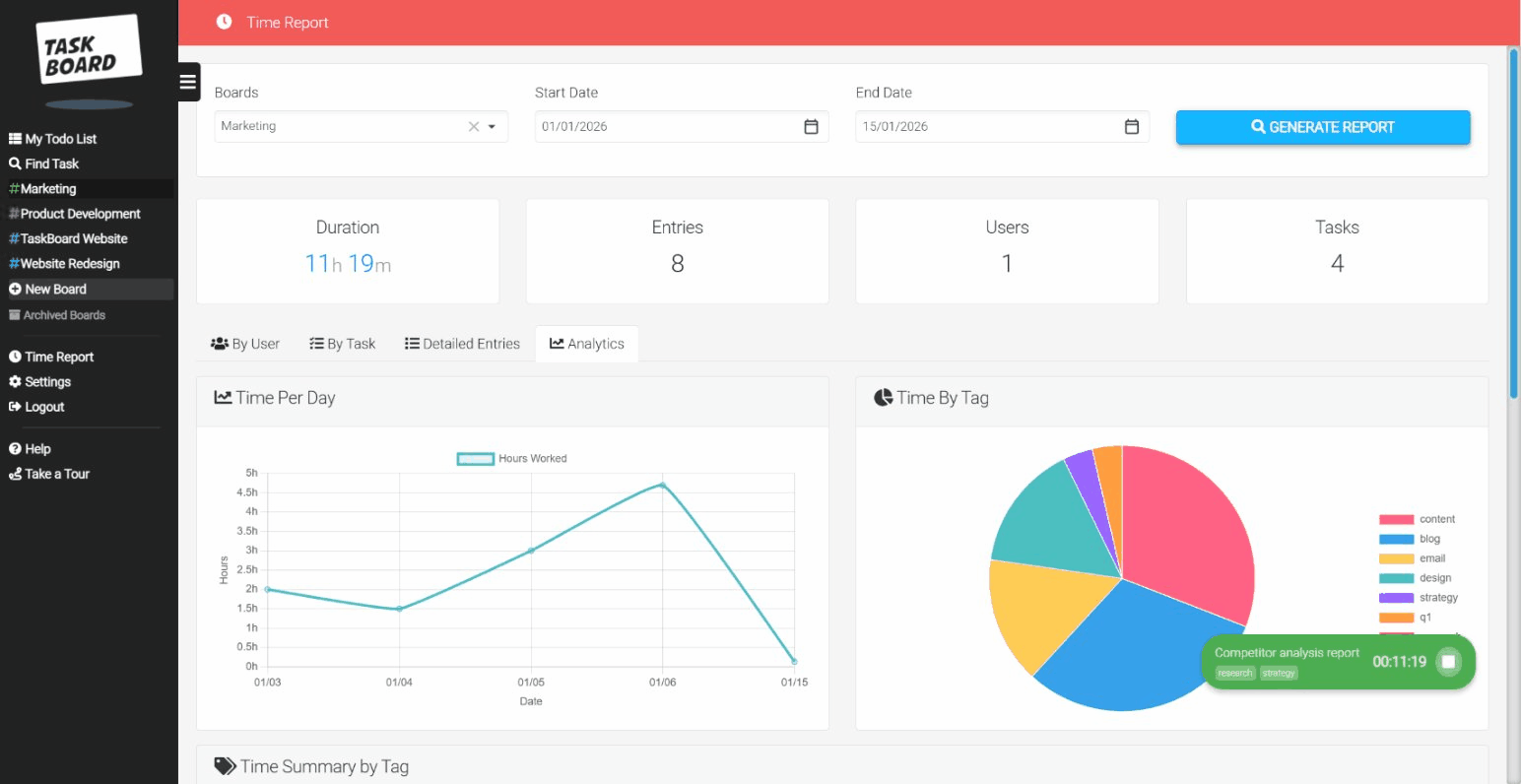
And because it's all in one place, your reports actually mean something. You can see time by project, by team member, by tag: whatever you need. Without exporting CSVs and vlookup formulas.
If you've been searching for a proper Trello alternative that doesn't make you sacrifice simplicity for functionality, this is what we built Task Board for.
A Simple Workflow (In 5 Steps)
Let's make this concrete. Here's how a typical day looks with everything in one tool:
1. Open your board
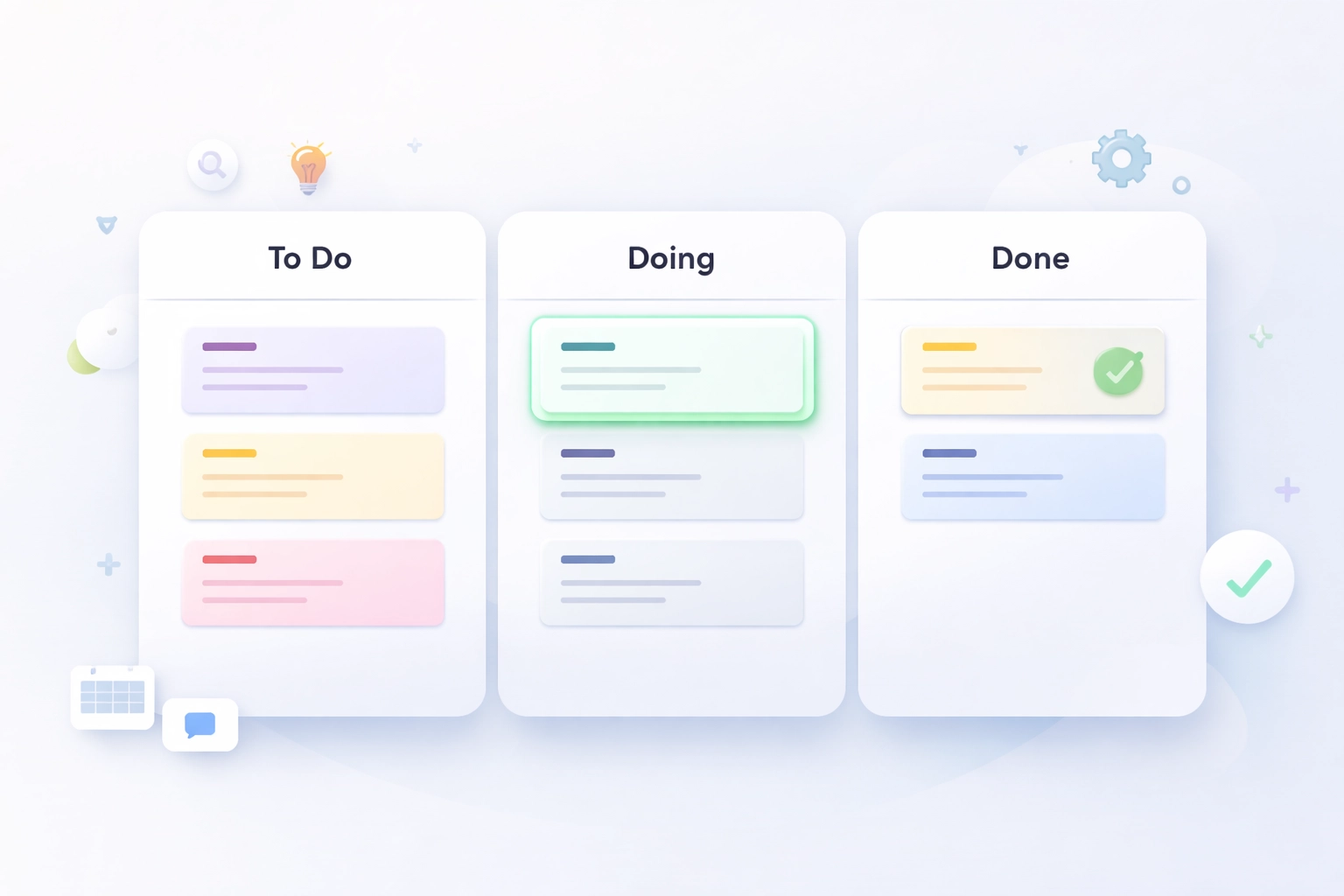
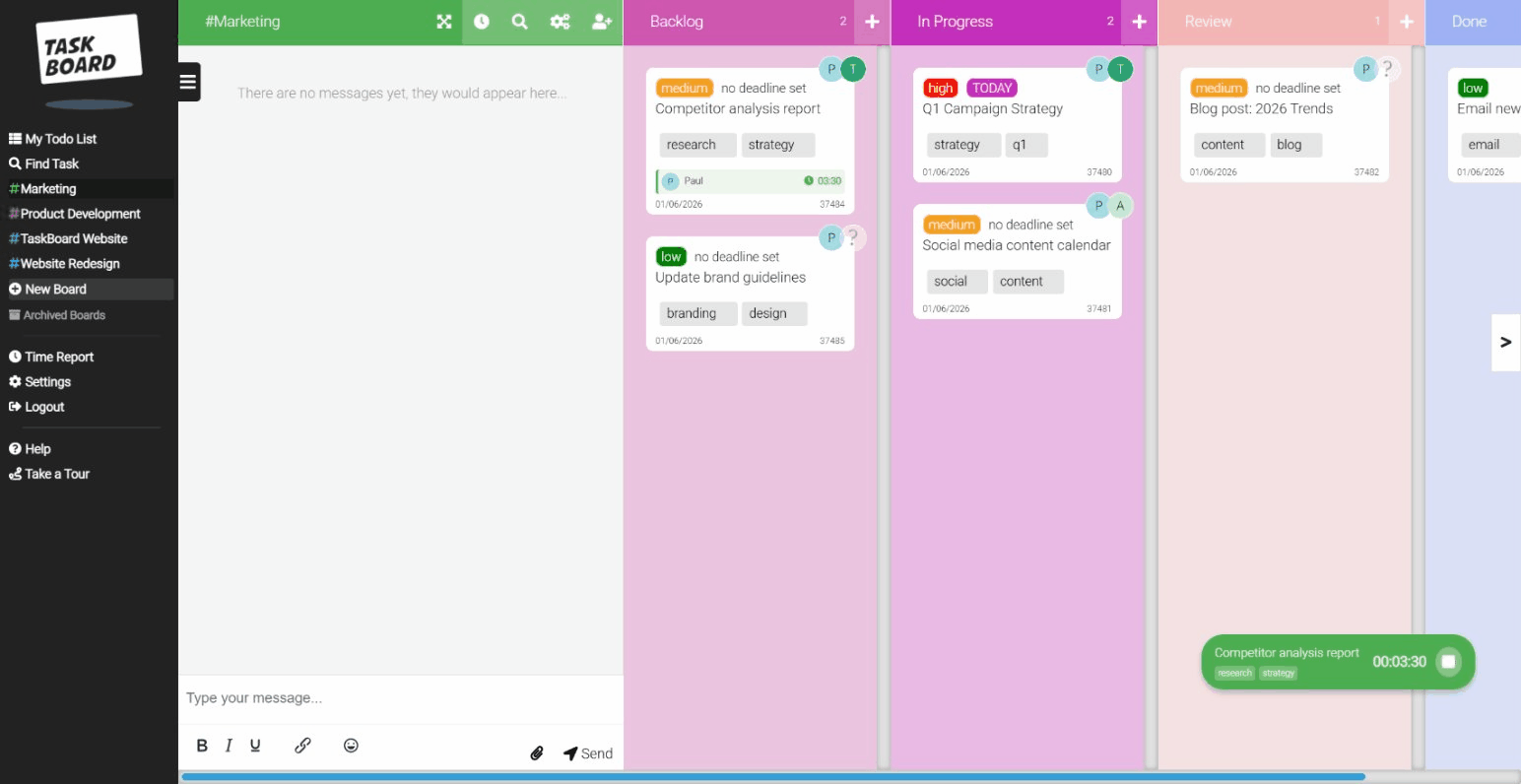
Your tasks are already there, organised by column (Backlog, In Progress, Review, Done: whatever works for your team).
2. Pick a task
Click on it. You'll see the description, comments, attachments, and a big friendly timer button.
3. Start the timer
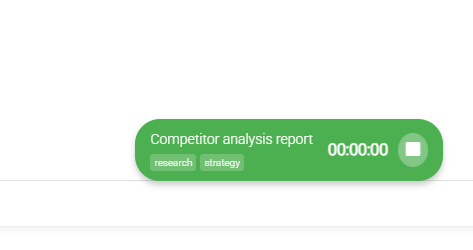
One click. That's it. The timer runs in the corner so you don't lose track.
4. Do the work
Focus on what matters. No tab-switching, no "did I start the timer?" anxiety.
5. Stop the timer and move the card
When you're done, stop the timer and drag the card to the next column. Your time is logged automatically.
"Time tracking shouldn't be a separate task. It should just... happen."
At the end of the week, you pull up your time reports. Everything's there. Broken down by project, by person, by tag. No chasing. No guessing.
Who This Is For (And Who It's Not)
Let's be honest: Task Board isn't for everyone. And that's fine.
It's perfect for:
- Small to mid-sized teams (10–50 people) who need time tracking for teams without the overhead
- Agencies tracking billable hours across multiple clients
- Remote teams who need visibility without micromanagement
- Anyone tired of paying for three tools when one would do
It's probably not for you if:
- You need enterprise-grade resource planning with Gantt charts and dependencies
- You're a solo freelancer who's happy with a free Trello board and a stopwatch
- You genuinely love complexity (no judgement, some people do)
"We're not trying to replace Monday or ClickUp for massive enterprises. We're here for teams who want to get work done without a project management consultant."
If you're somewhere in the middle: big enough to need proper tracking, small enough to not want the bloat: you're exactly who we built this for.
Your "Switch Plan" Checklist
Ready to ditch the multi-tool chaos? Here's a simple checklist to make the move painless:
- Export your Trello boards (or just screenshot your column structure: it's probably simpler than you think)
- Set up your Task Board workspace: create your boards and invite your team
- Recreate your columns: most teams just need 3-5 columns, keep it simple
- Add your current tasks: start with active work, don't worry about archiving everything from Trello
- Show your team the timer: seriously, that's the main training: "click this button"
- Run both tools in parallel for a week (optional): if you're nervous, overlap for a bit
- Cancel the other subscriptions: enjoy the simpler invoices
"You don't need a migration project. You need an afternoon and a cup of coffee."
The whole point is that this shouldn't be a big deal. If switching tools feels like a six-month initiative, the new tool is already too complicated.
The Bottom Line
Trello and Clockify are both decent tools. But running them side by side creates friction, gaps, and extra work that nobody signed up for.
A simple kanban board with built-in time tracking isn't a luxury: it's just common sense. One place for tasks. One place for time. One place for reports.
If you're ready to stop juggling and start actually getting work done, give Task Board a try. It's $15 per user, no "contact sales" nonsense, and you can be up and running before your coffee gets cold.
"The best tool is the one that gets out of your way."